TACWACTake a Crash, Write a Crash.

Crashes
Made Simple.

One clear workspace for the notes law enforcement professionals collect at the roadside, from scene details and measurements to investigative notes that support a better report.

Built for crash investigators. Designed to work in the field.
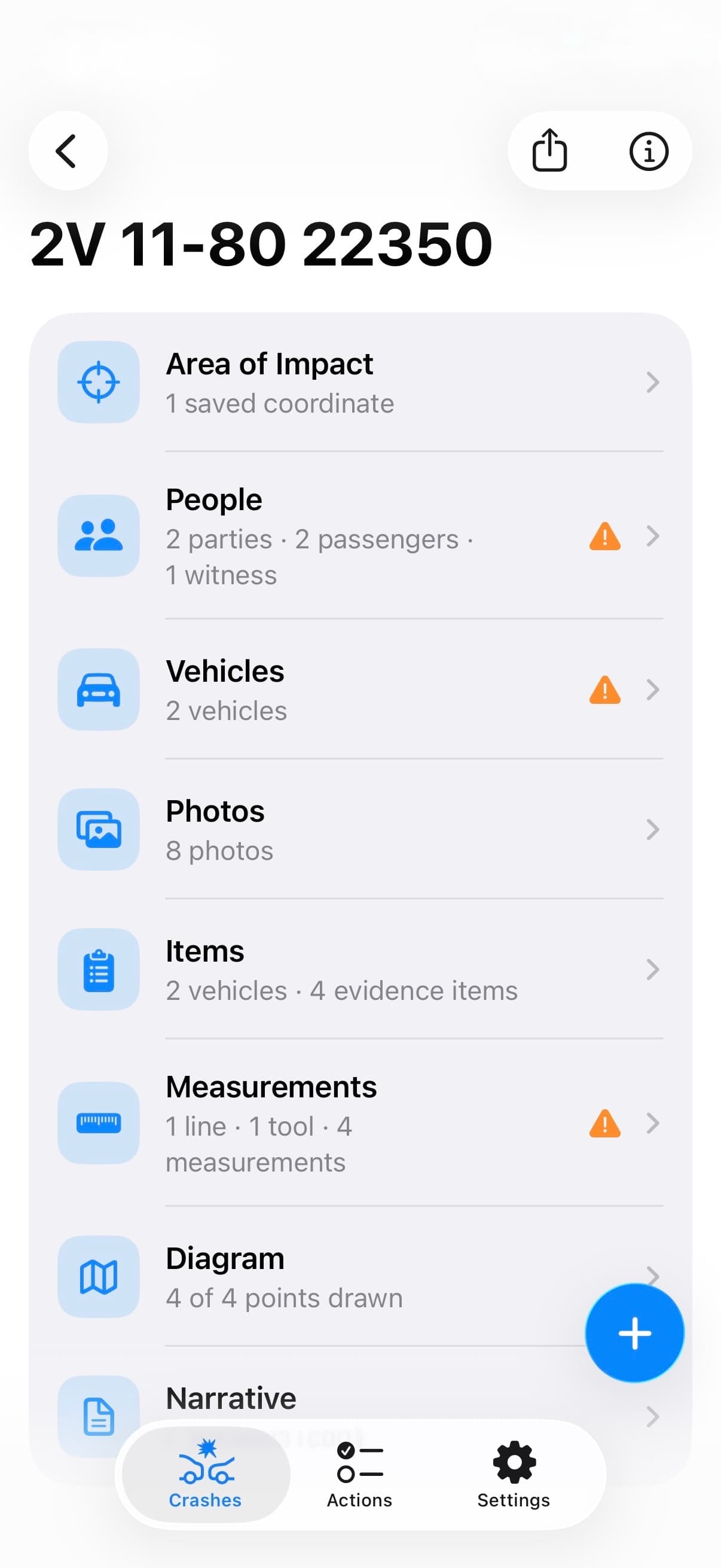
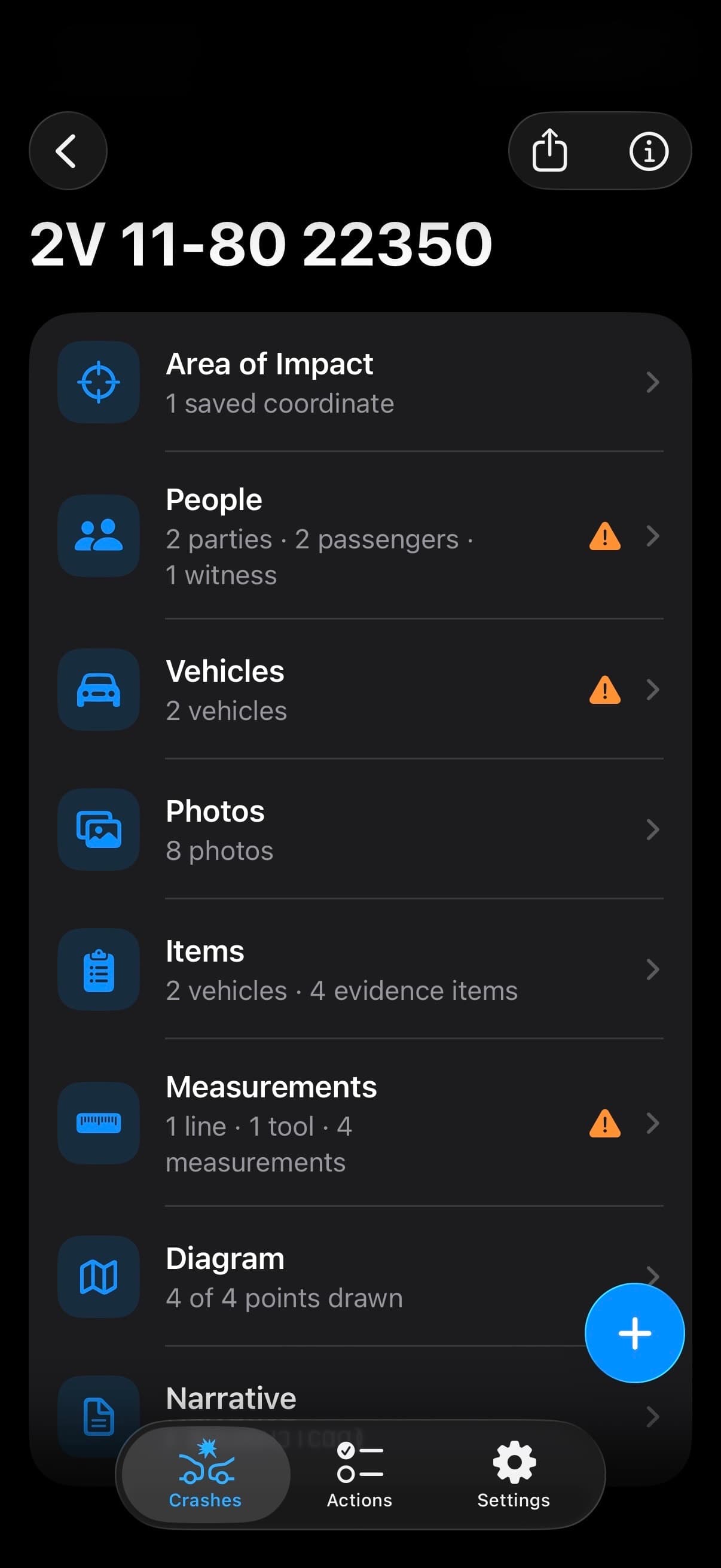
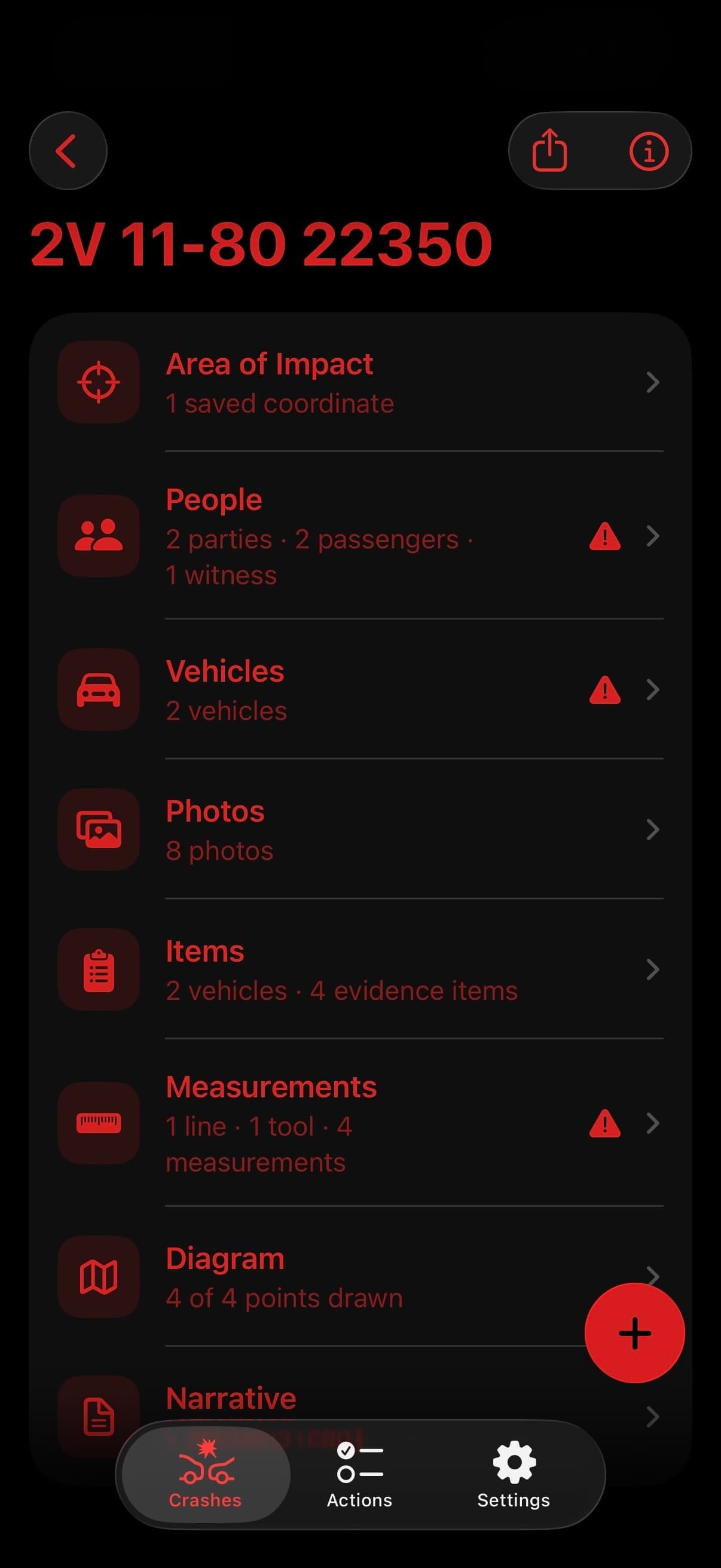
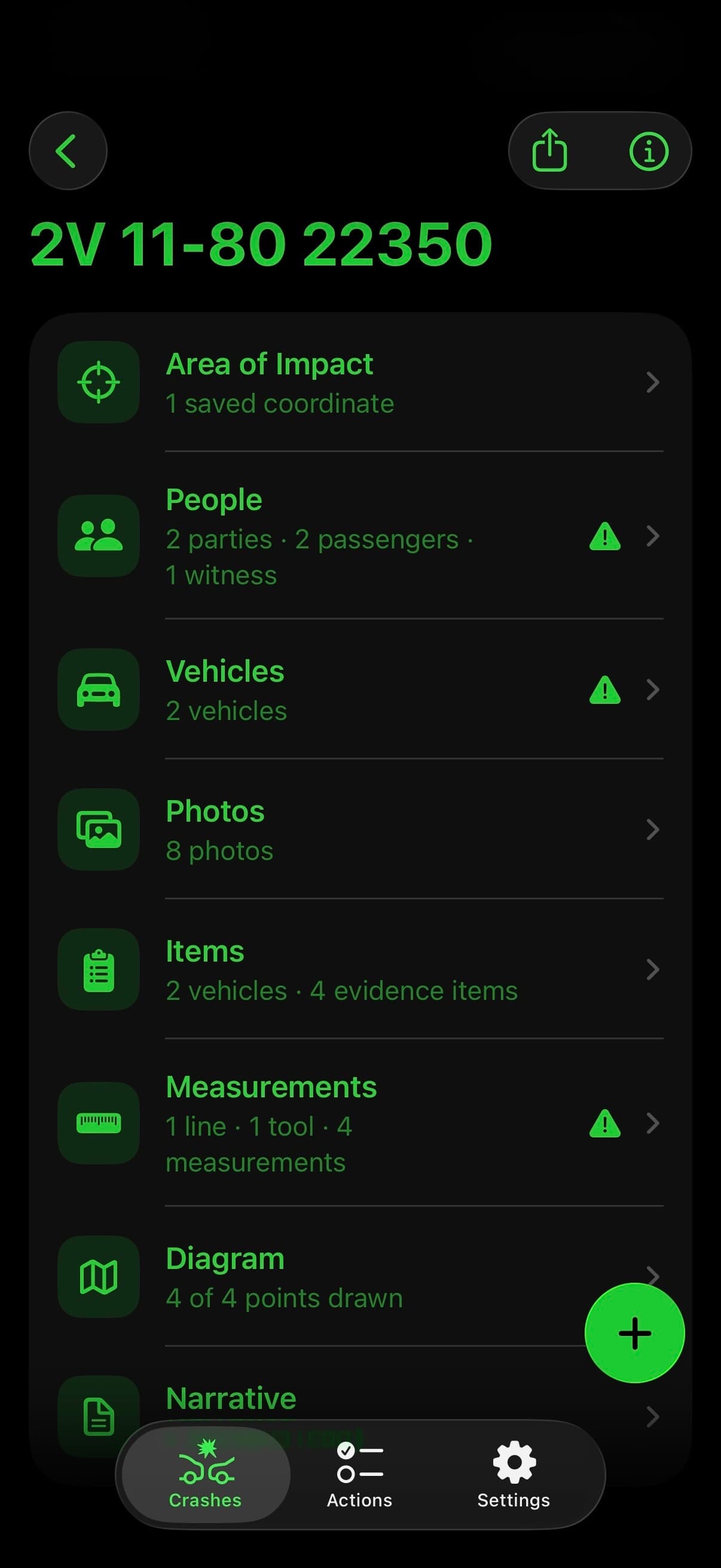
TACWAC crash workspace listing note sections including Area of Impact, People, Vehicles, Photos, Items, Measurements, Diagram, and NarrativeTACWAC crash workspace listing note sections including Area of Impact, People, Vehicles, Photos, Items, Measurements, Diagram, and NarrativeTACWAC crash workspace listing note sections including Area of Impact, People, Vehicles, Photos, Items, Measurements, Diagram, and NarrativeTACWAC crash workspace listing note sections including Area of Impact, People, Vehicles, Photos, Items, Measurements, Diagram, and Narrative
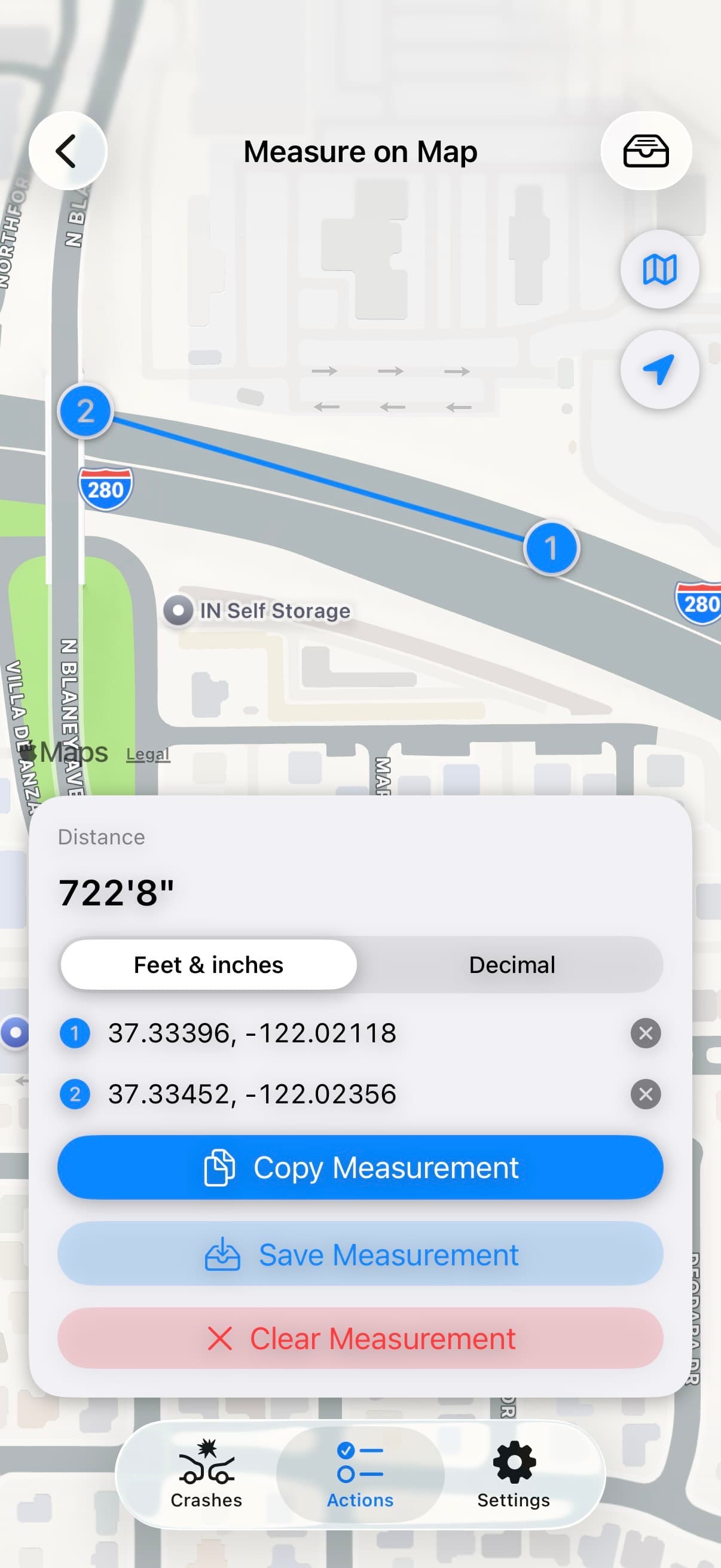
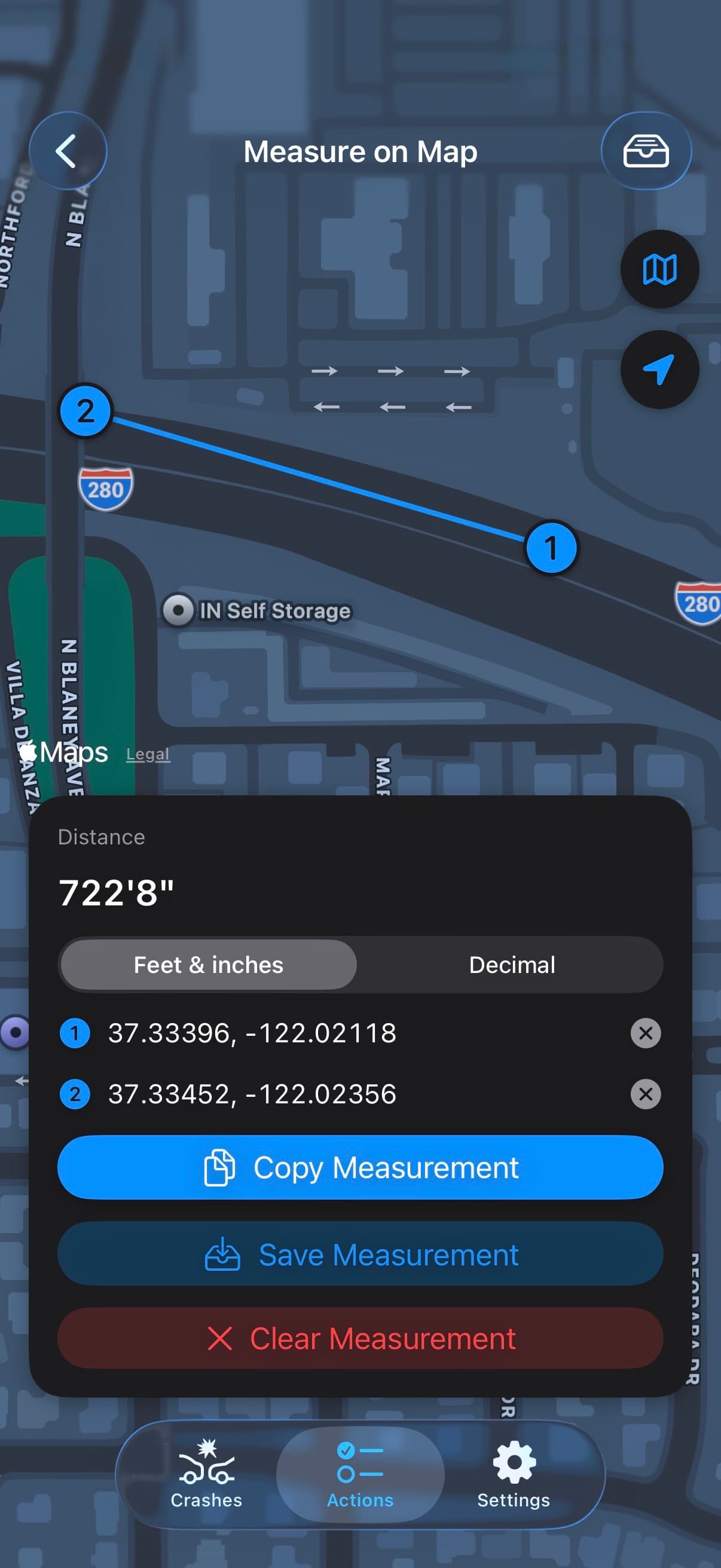
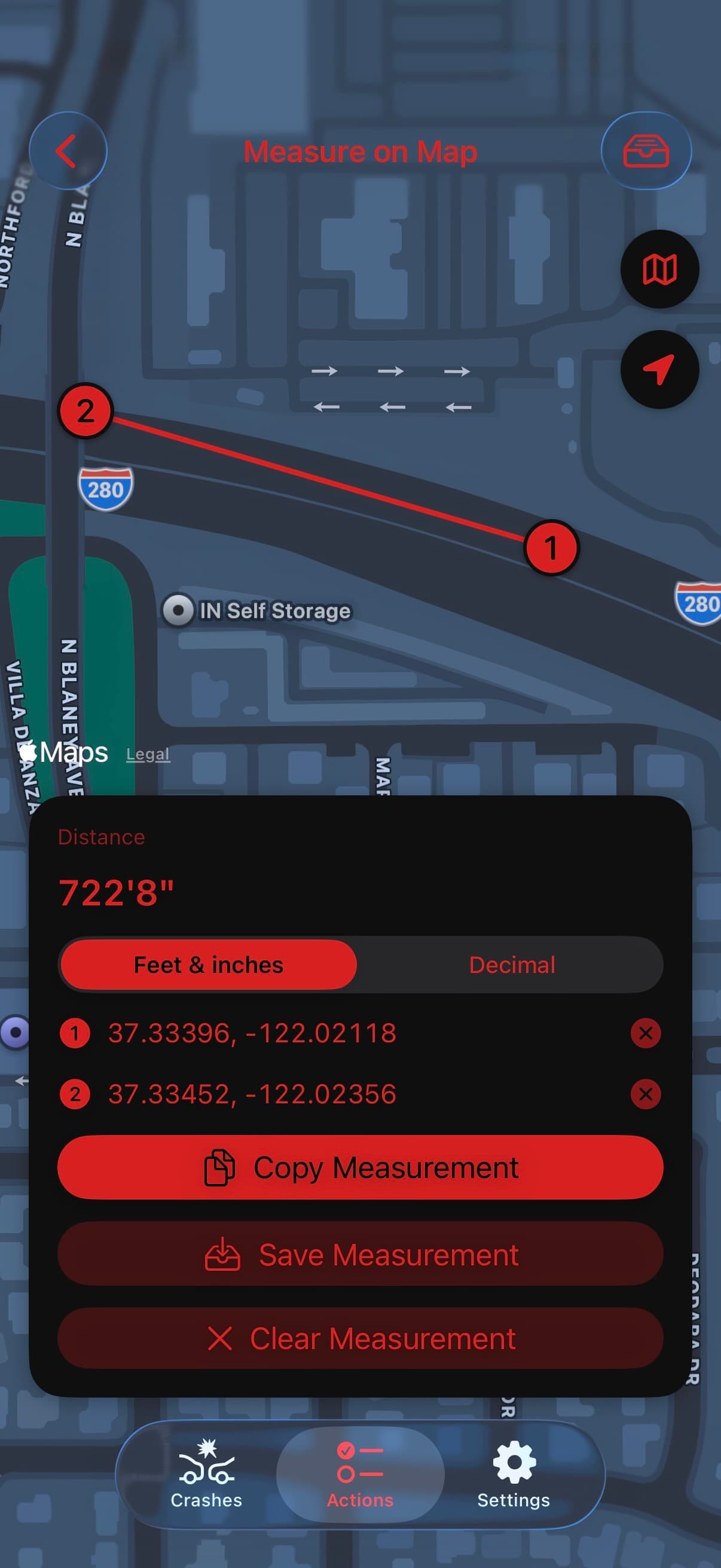
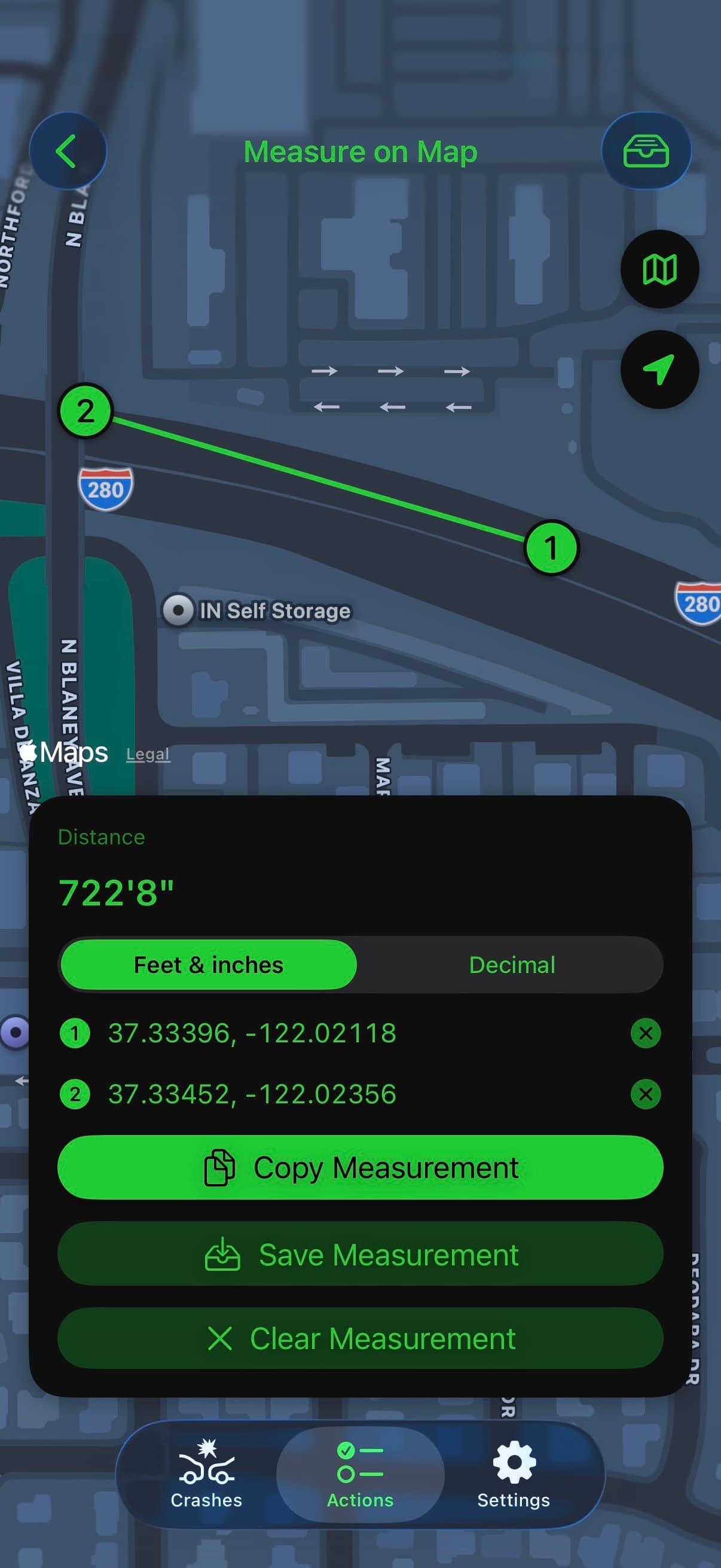
TACWAC Measure on Map screen showing a measured distance between two coordinatesTACWAC Measure on Map screen showing a measured distance between two coordinatesTACWAC Measure on Map screen showing a measured distance between two coordinatesTACWAC Measure on Map screen showing a measured distance between two coordinates

THE WORKFLOW

Your notes.
Better organized.

Record a fact once. TACWAC keeps it connected from the first roadside entry to the final export.

01

Start the crash

Set the roads, location, and severity. Start with default sections or a built-in template, then add the sections this crash needs.

02

Capture the facts

Connect people, vehicles, property damage, photos, evidence, and measurements with your investigative notes.

03

Export your notes

Review warnings and the narrative, choose what to include, and export a Word or plain-text document with photos and diagram files as needed.

THE SECTIONS

Only the sections
the crash needs.

Start with the essentials. Add the details your investigation calls for. Each work area keeps your notes connected, from the first person you speak with to the final diagram.

People

Keep identification, contact details, and statements connected.

Vehicles

Capture ownership, insurance, damage, and towing details.

Photos

Capture the scene, then organize photos with tags and notes.

Measurements

Place people, vehicles, evidence, and roadway features.

Diagram

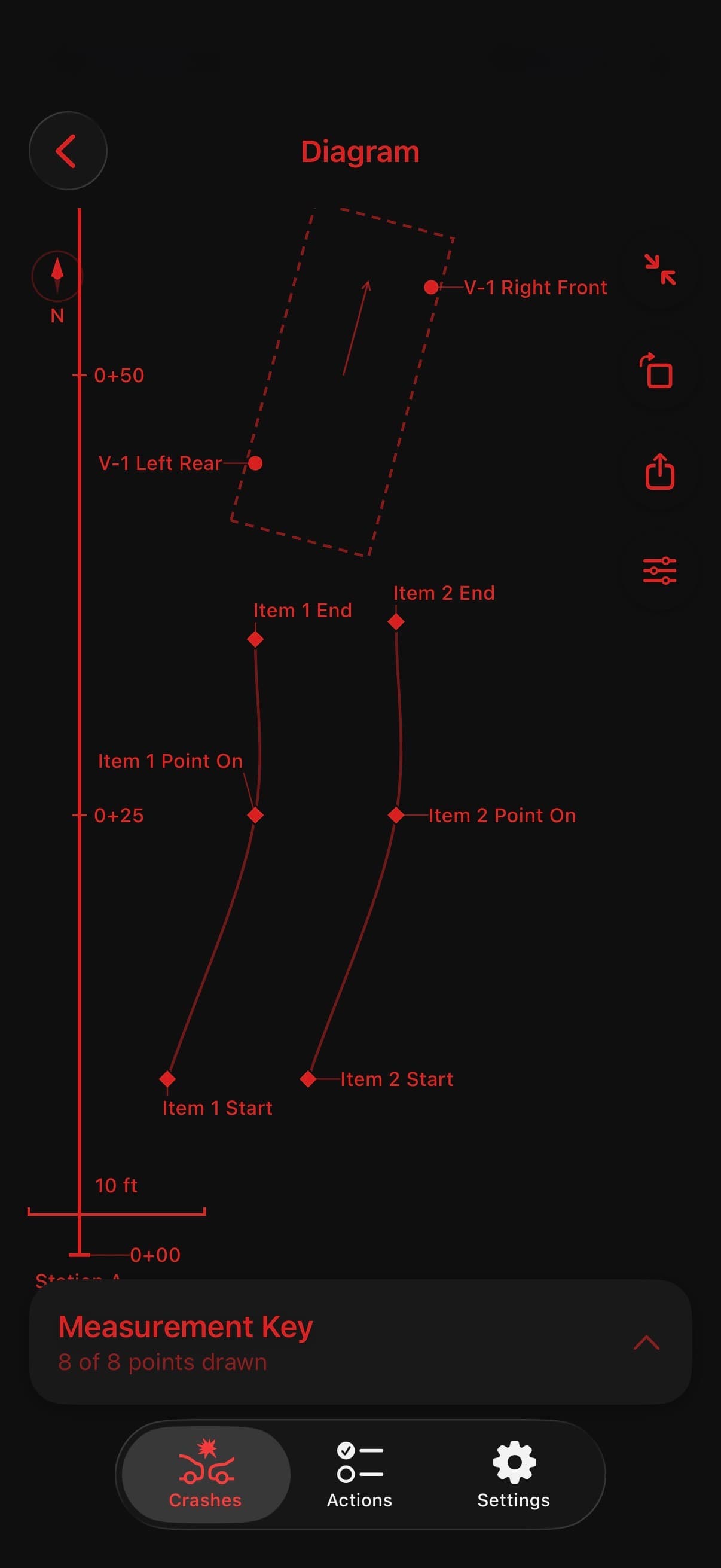
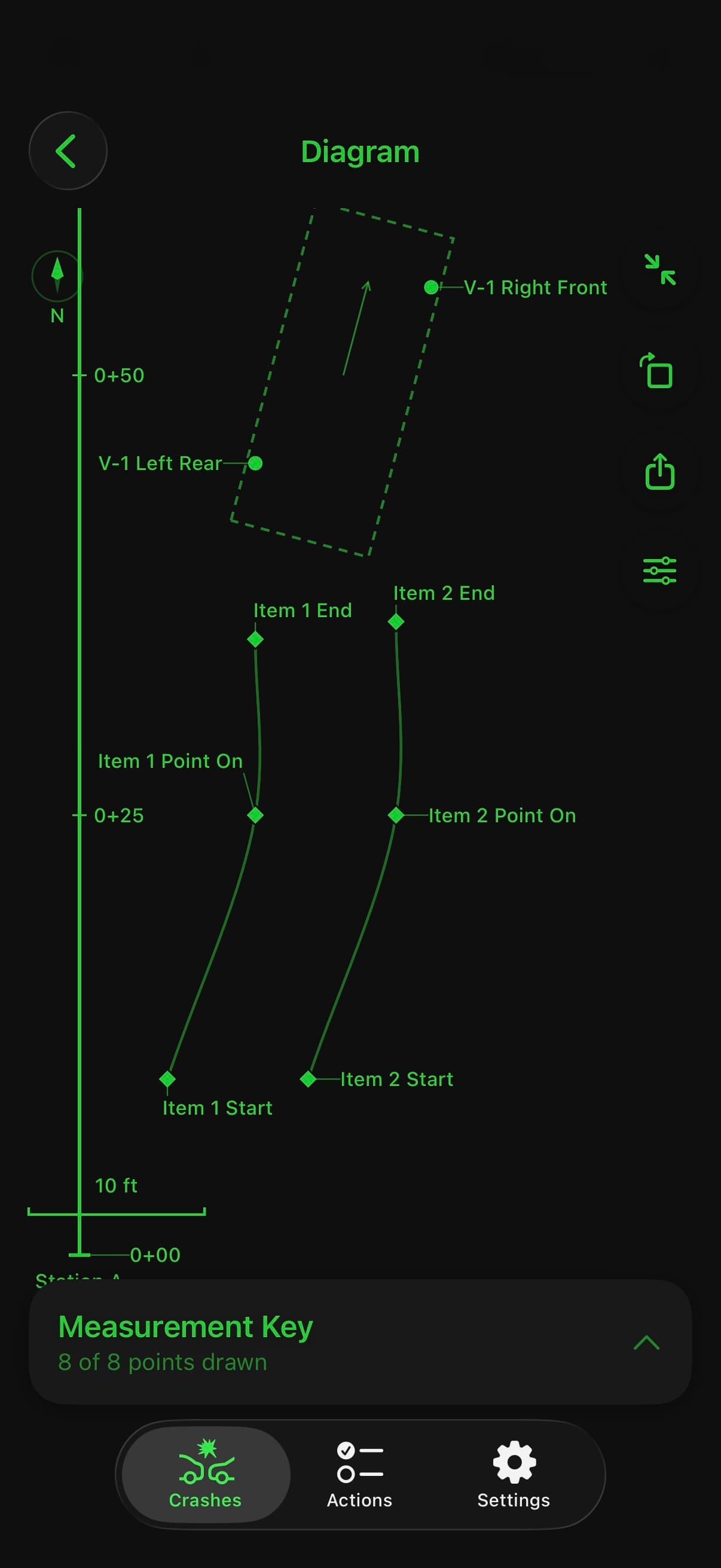
Bring measured points together in a to-scale Factual Diagram.

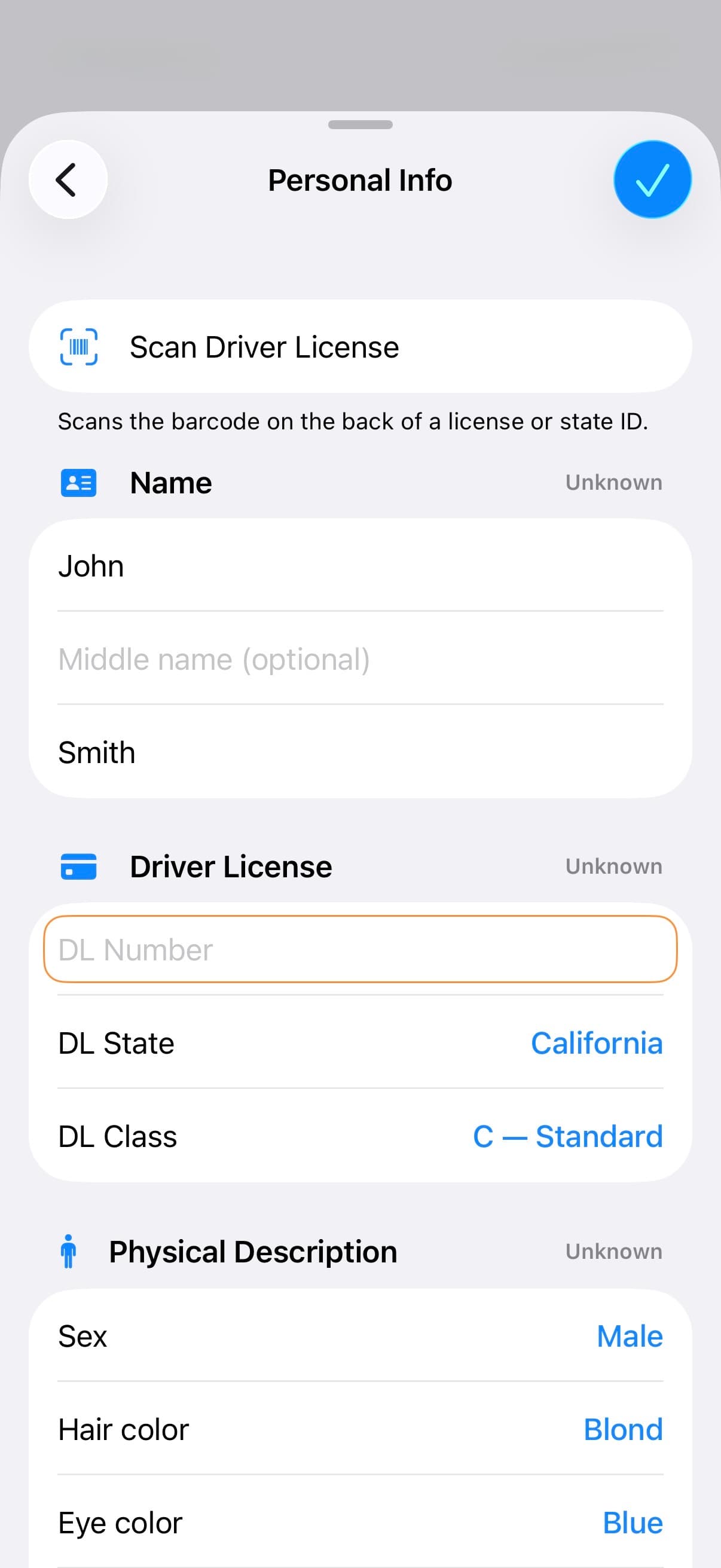
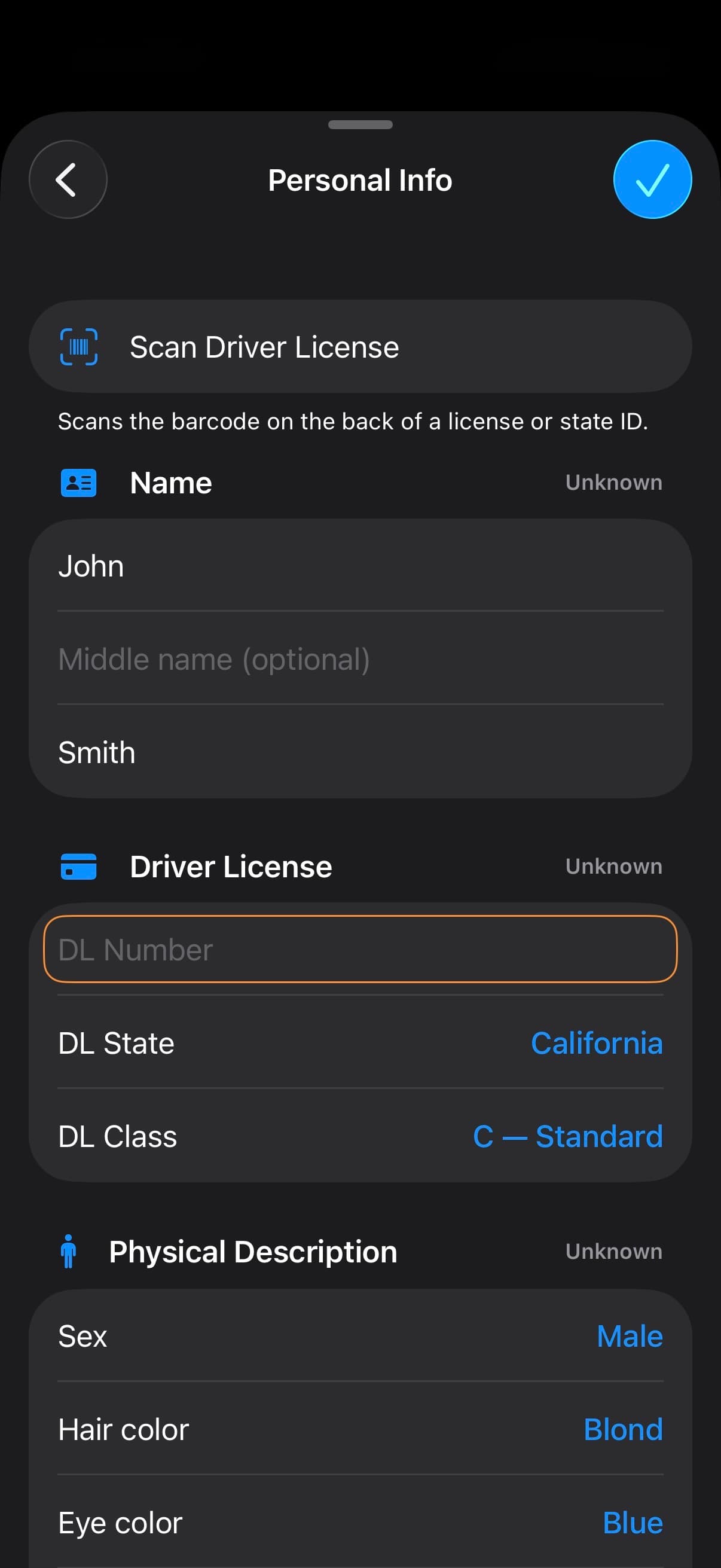
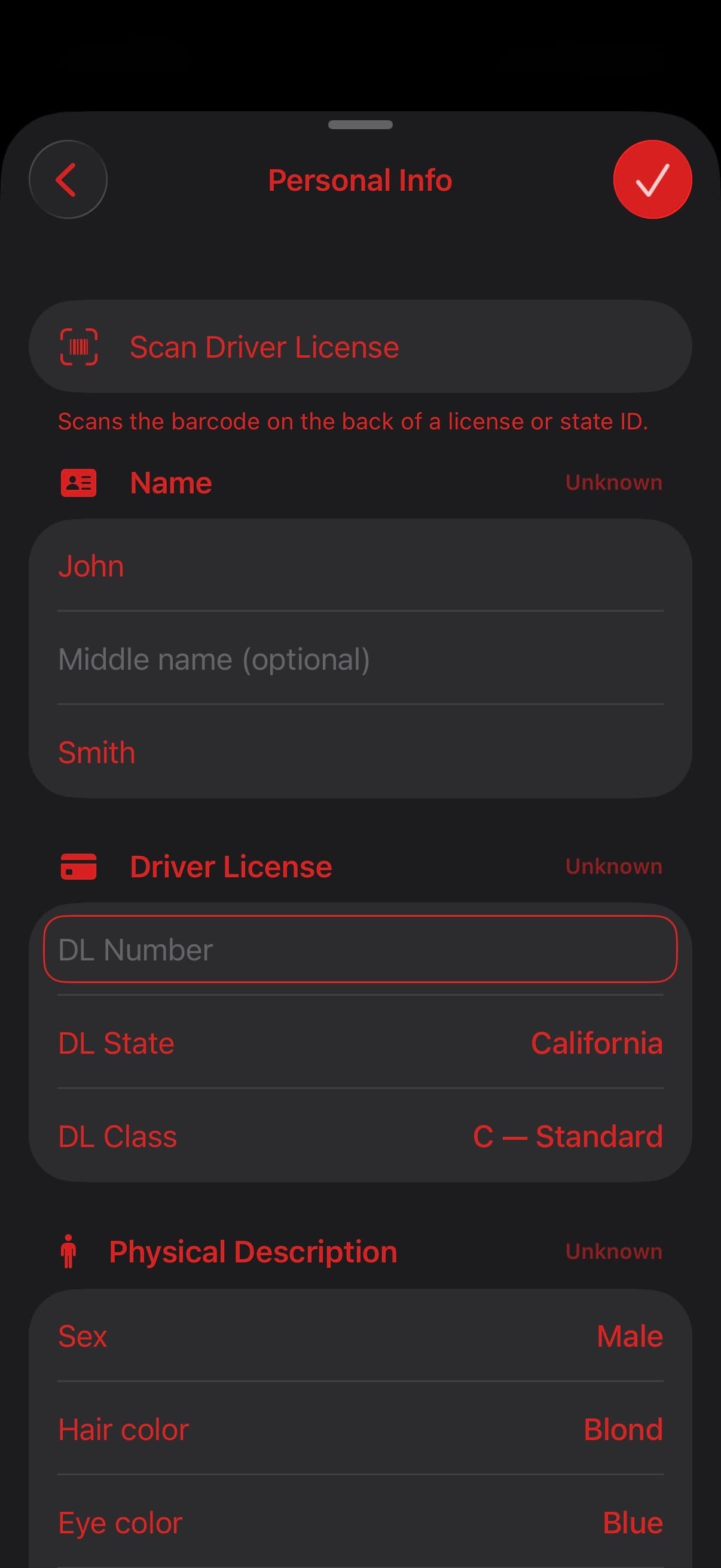
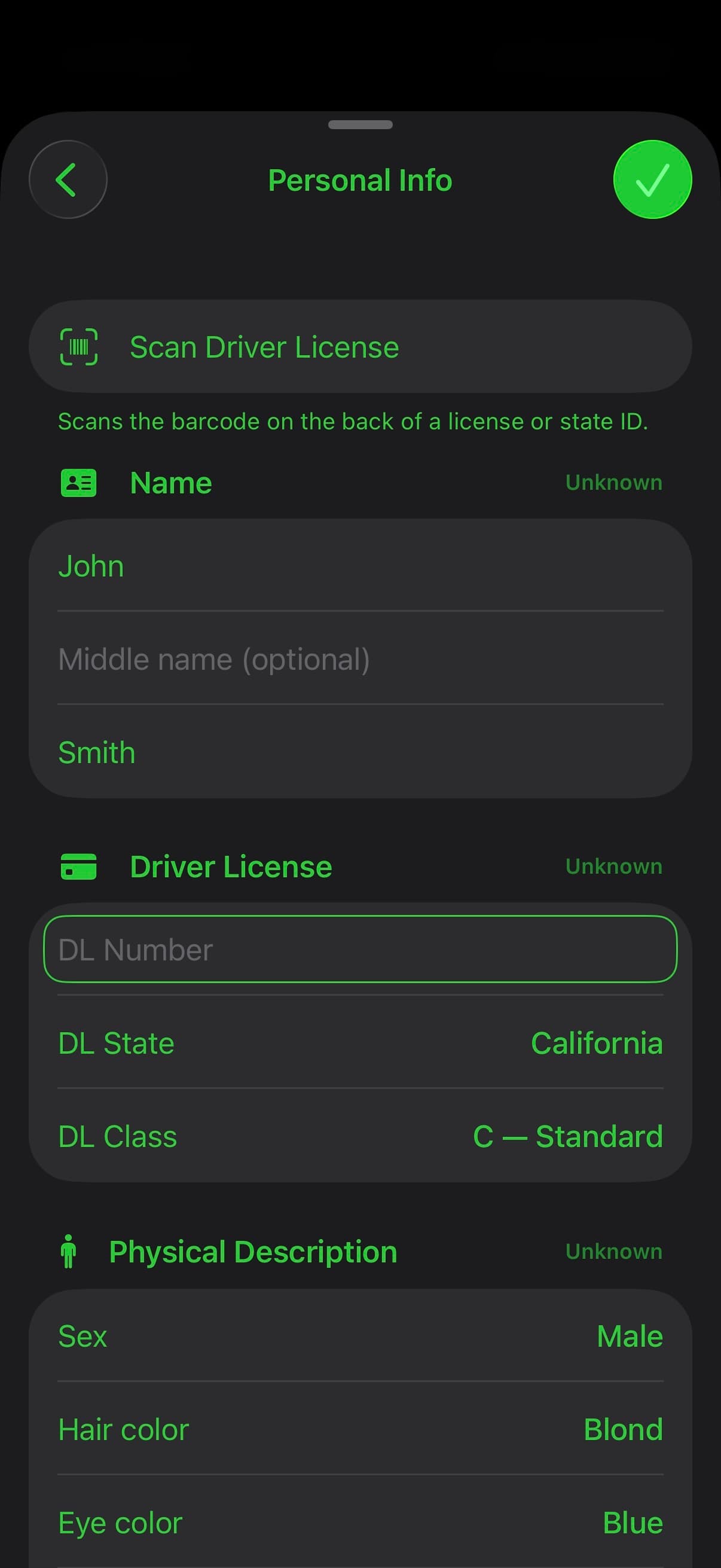
TACWAC Personal Info screen with driver-license barcode scanning and linked identity fieldsTACWAC Personal Info screen with driver-license barcode scanning and linked identity fieldsTACWAC Personal Info screen with driver-license barcode scanning and linked identity fieldsTACWAC Personal Info screen with driver-license barcode scanning and linked identity fields
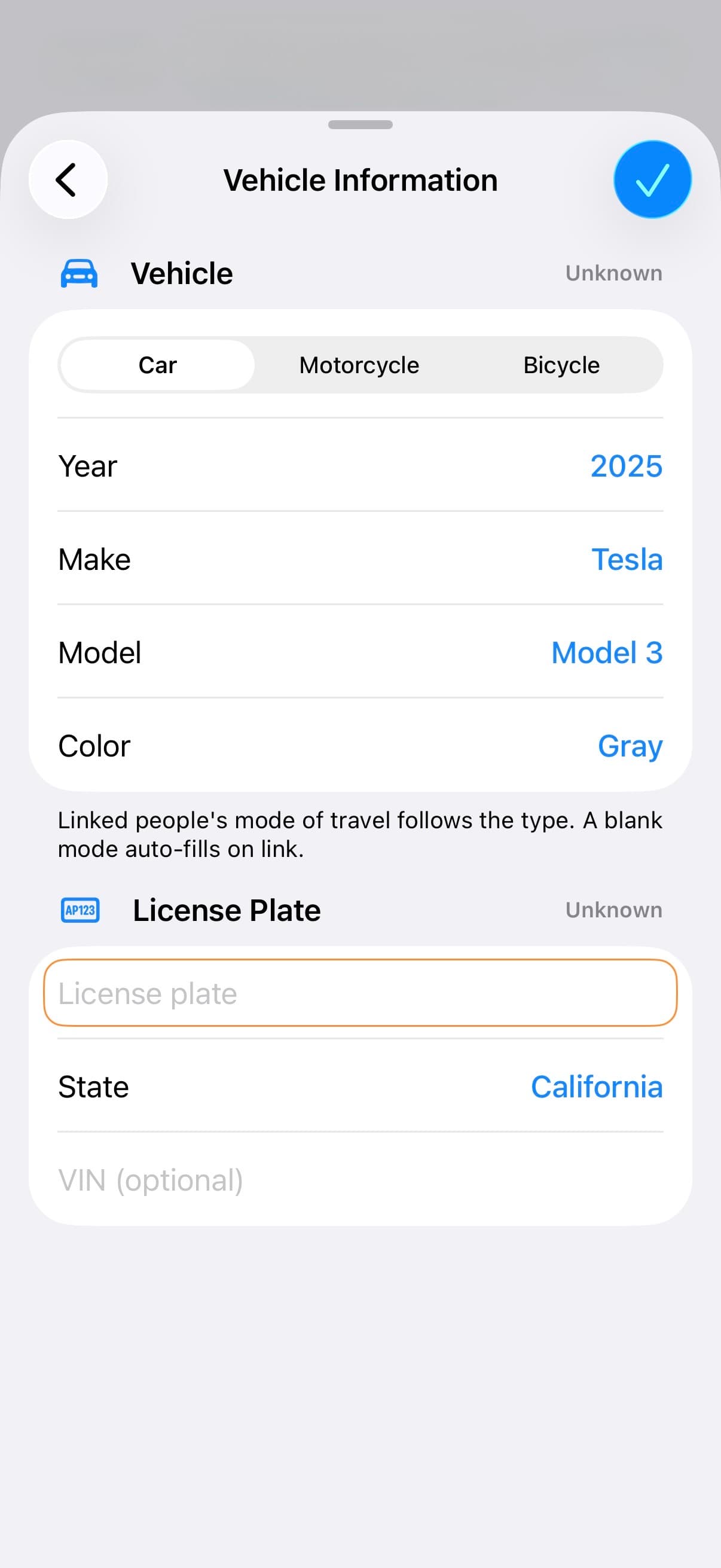
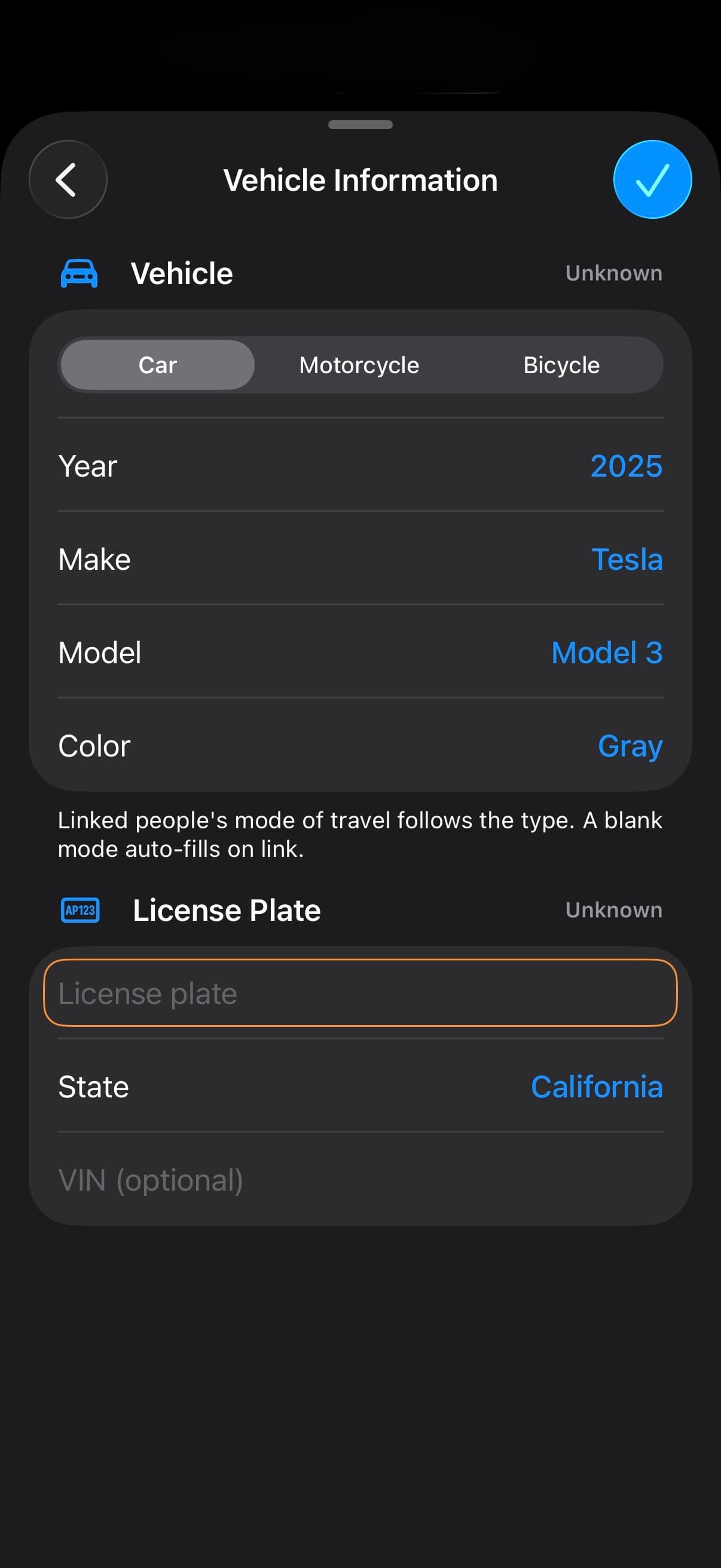
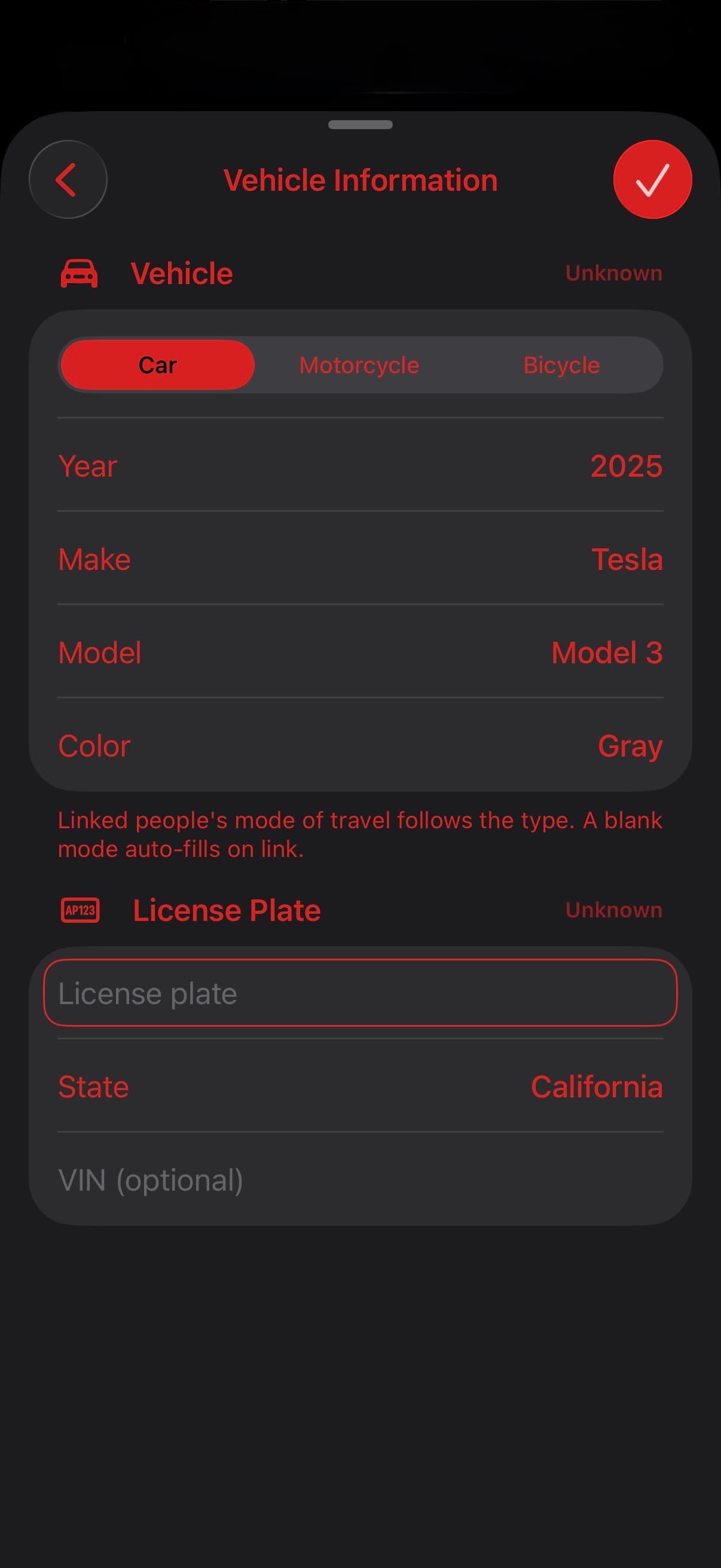
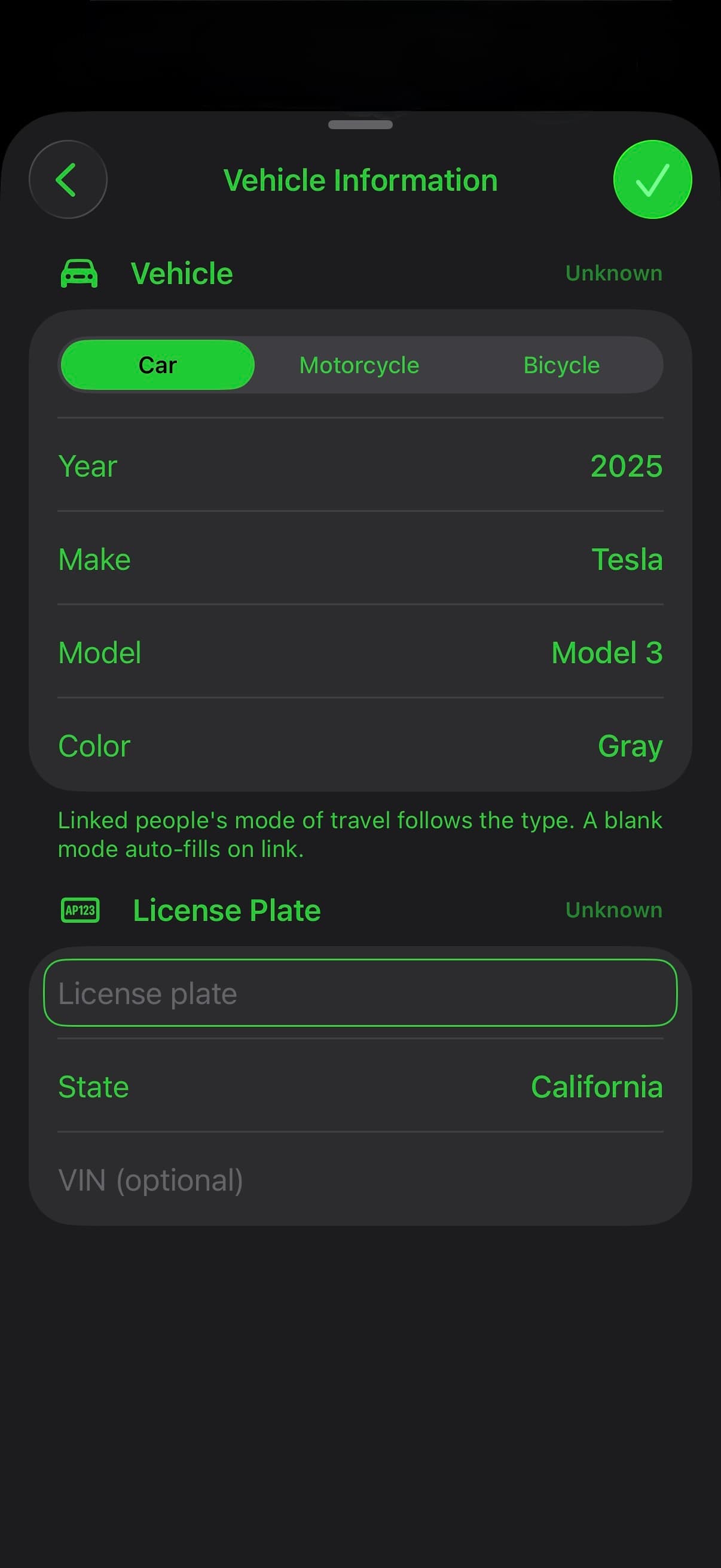
TACWAC Vehicle Information screen with vehicle type, year, make, model, color, and license plate fieldsTACWAC Vehicle Information screen with vehicle type, year, make, model, color, and license plate fieldsTACWAC Vehicle Information screen with vehicle type, year, make, model, color, and license plate fieldsTACWAC Vehicle Information screen with vehicle type, year, make, model, color, and license plate fields

CAPTURE

Easy Capture.
Don't Miss a Thing.

Scan a supported driver-license barcode and review the captured details. Keep parties and passengers linked to vehicles, record statements and investigation details, and document property damage alongside the rest of the scene.

  • Identification, contact information, statements, and injury details
  • Vehicle ownership, insurance, damage, location, and towing
  • Capture or import photos, then add record tags and notes

MEASURE

Measure it
your way.

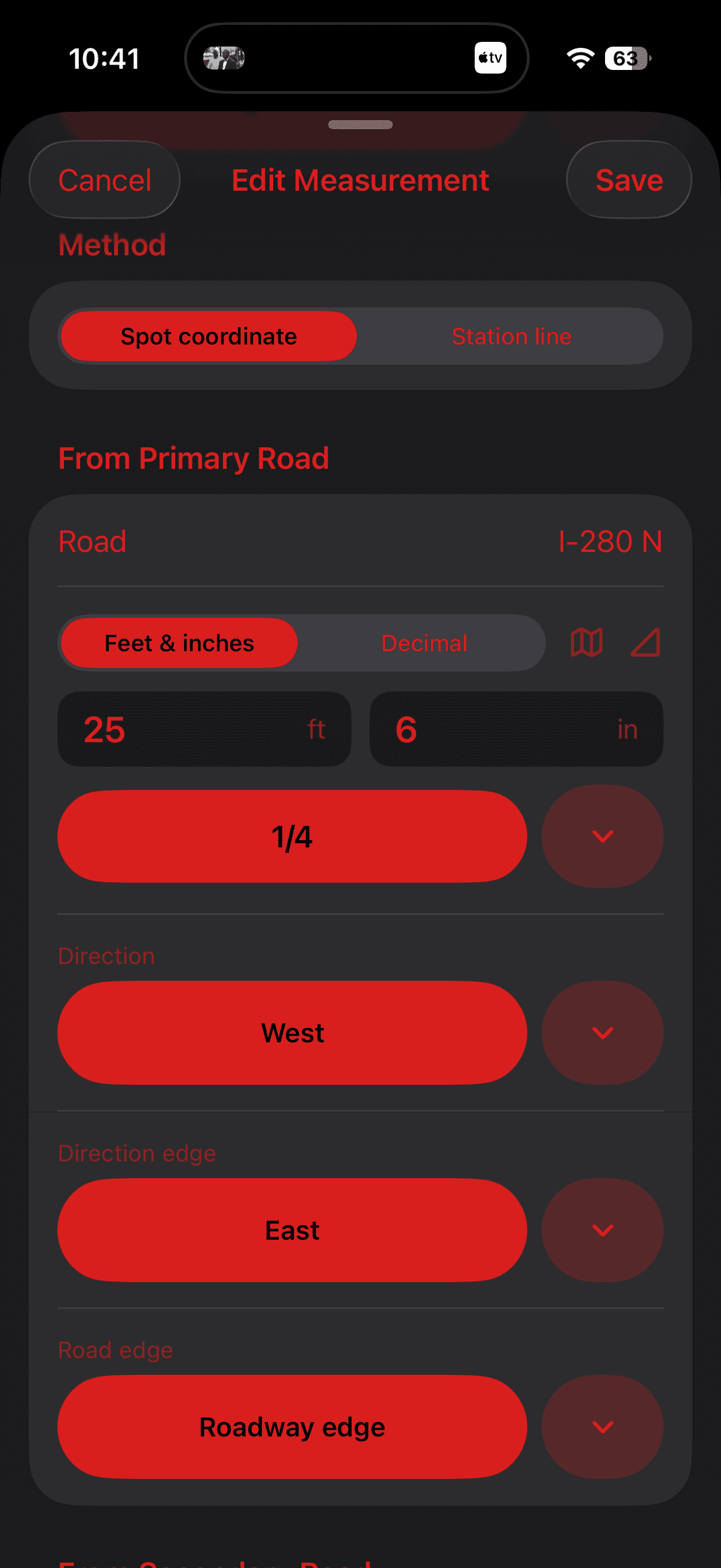
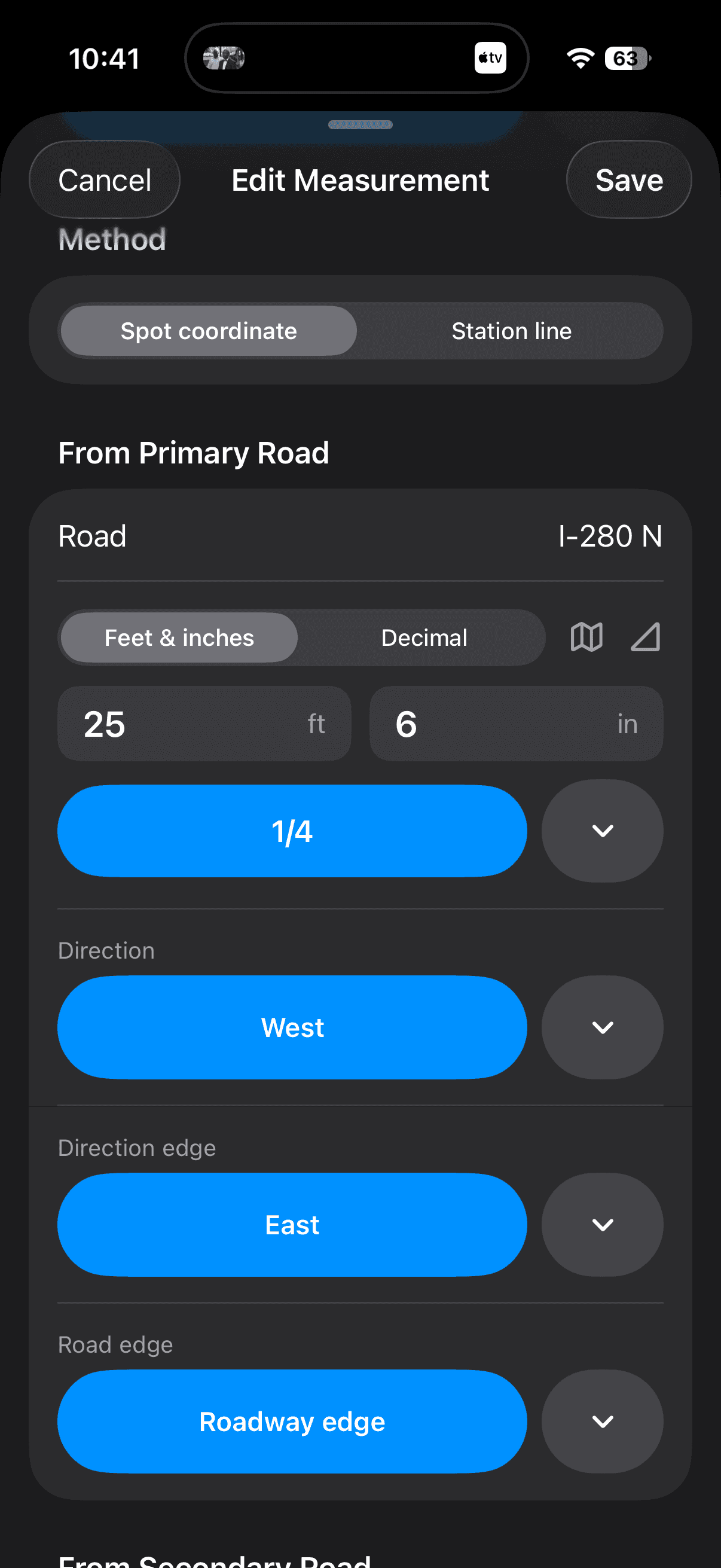
Work from the map, spot coordinates, or a station line. Measure people, vehicles, evidence, and roadway features such as lane lines and curbs, keeping the same points connected to your tables and Factual Diagram.
  • Map distances, saved coordinates, and reusable Quick Actions measurements
  • Spot-coordinate and station-line measurements
  • TACWAC Pro: triangulation, multiple and intersecting station lines, and slope adjustment
TACWAC Measure on Map screen showing a measured distance between two coordinatesTACWAC Measure on Map screen showing a measured distance between two coordinatesTACWAC Measure on Map screen showing a measured distance between two coordinatesTACWAC Measure on Map screen showing a measured distance between two coordinates
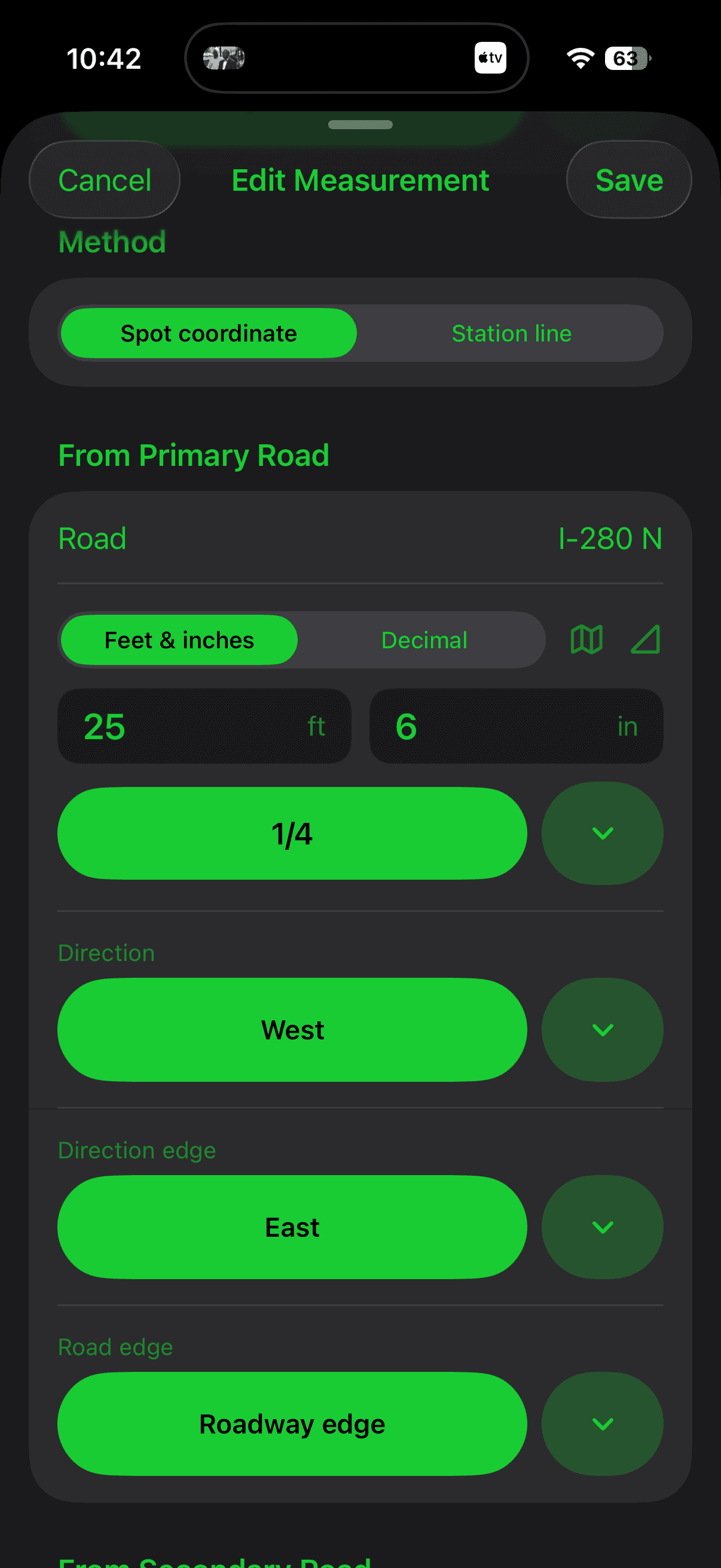
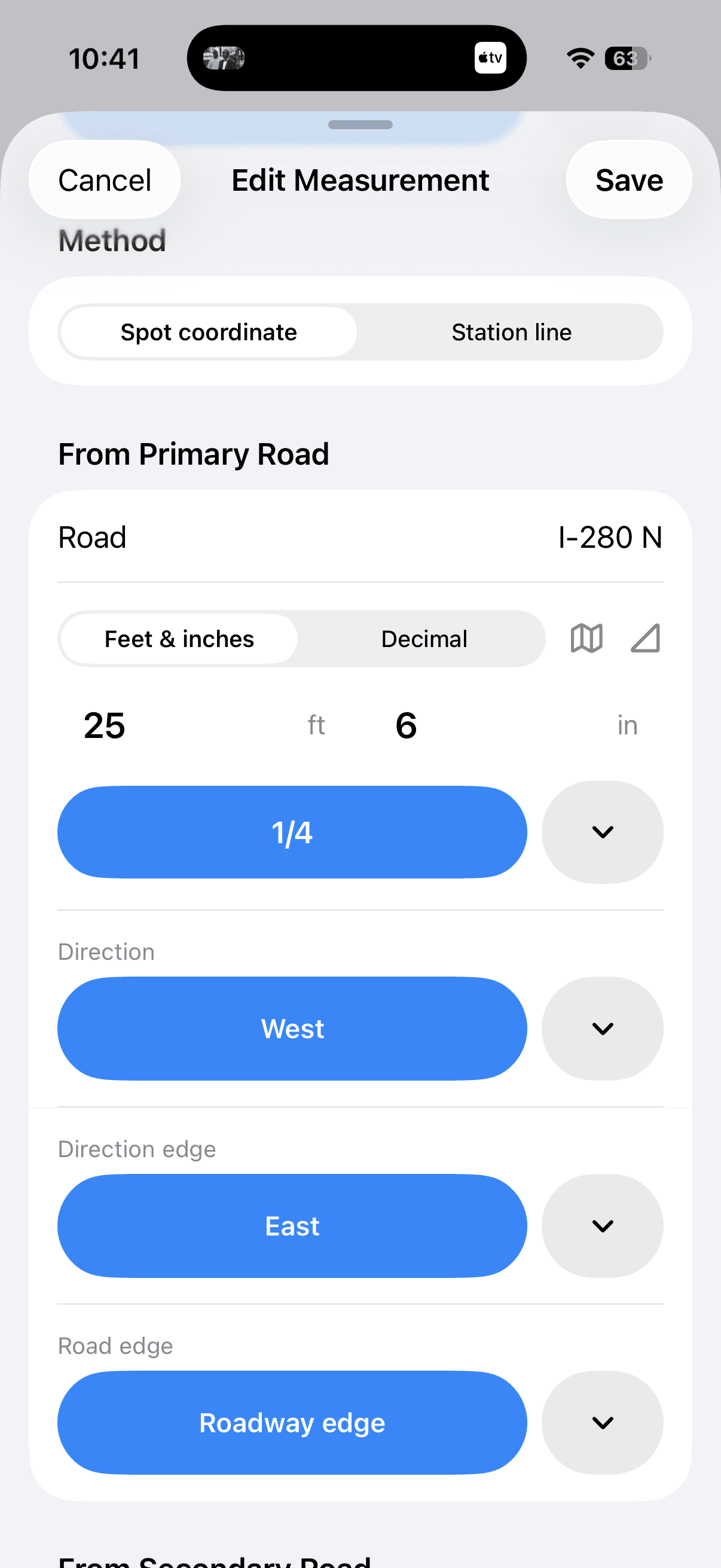
TACWAC measurement editor showing a populated spot-coordinate measurementTACWAC measurement editor showing a populated spot-coordinate measurementTACWAC measurement editor showing a populated spot-coordinate measurementTACWAC measurement editor showing a populated spot-coordinate measurement

FACTUAL DIAGRAM

Turn your Measurements
Into a Clear Picture.

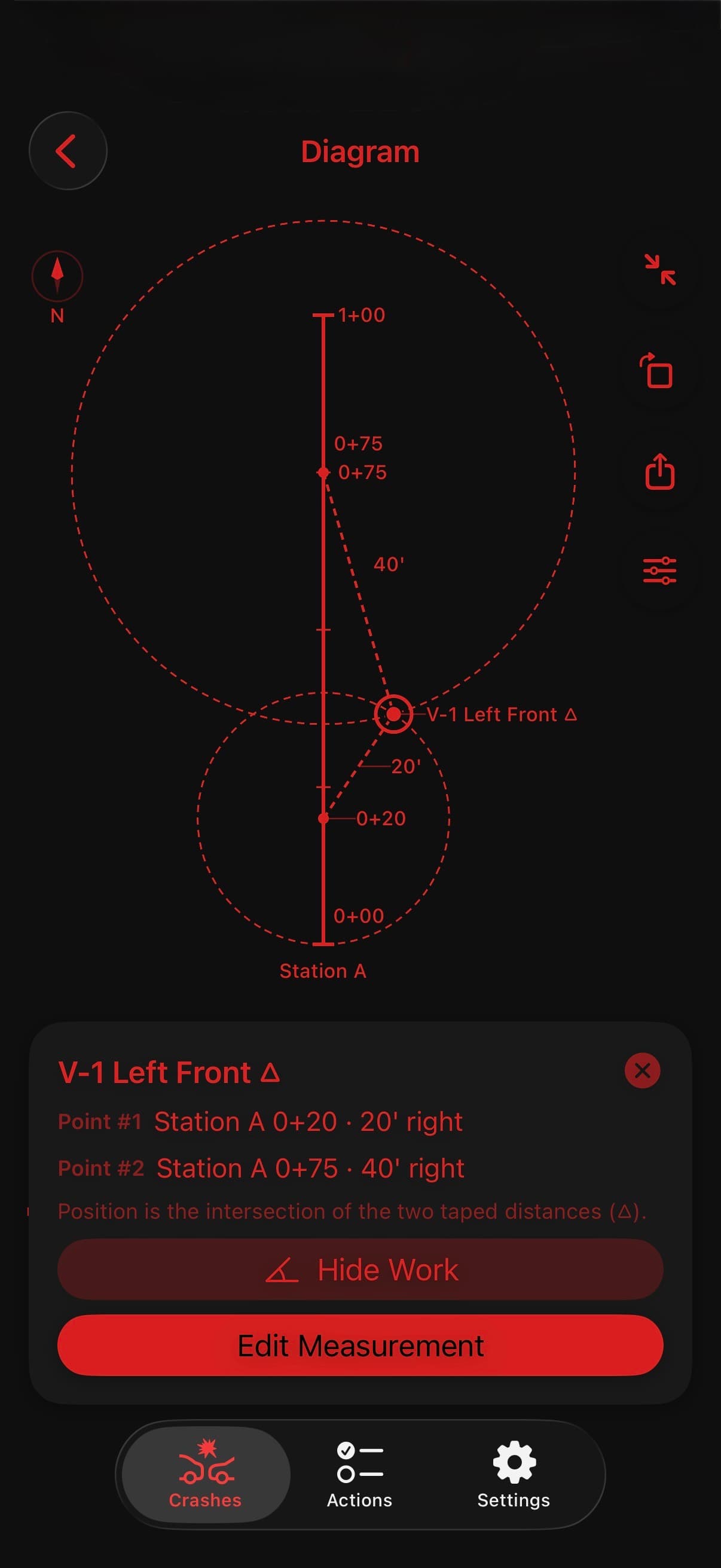
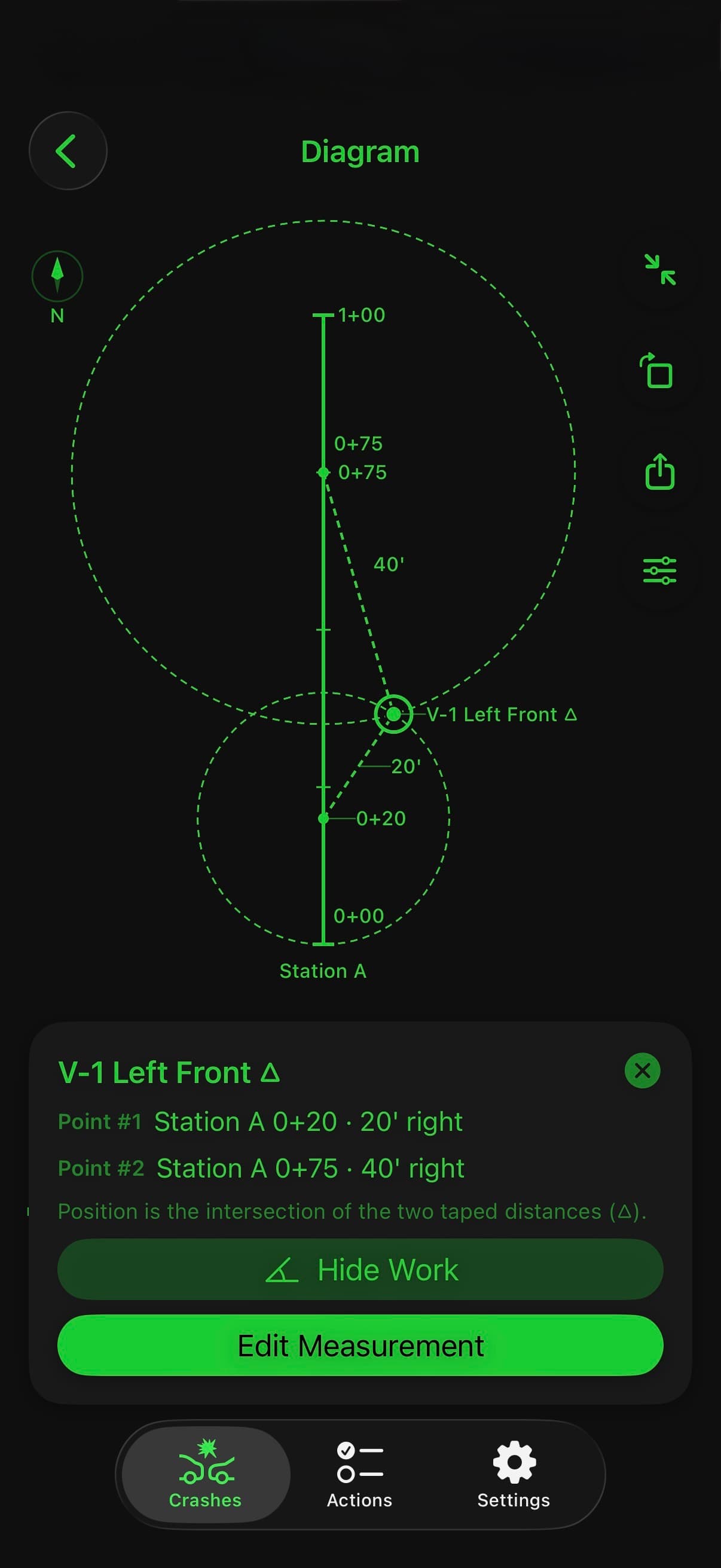
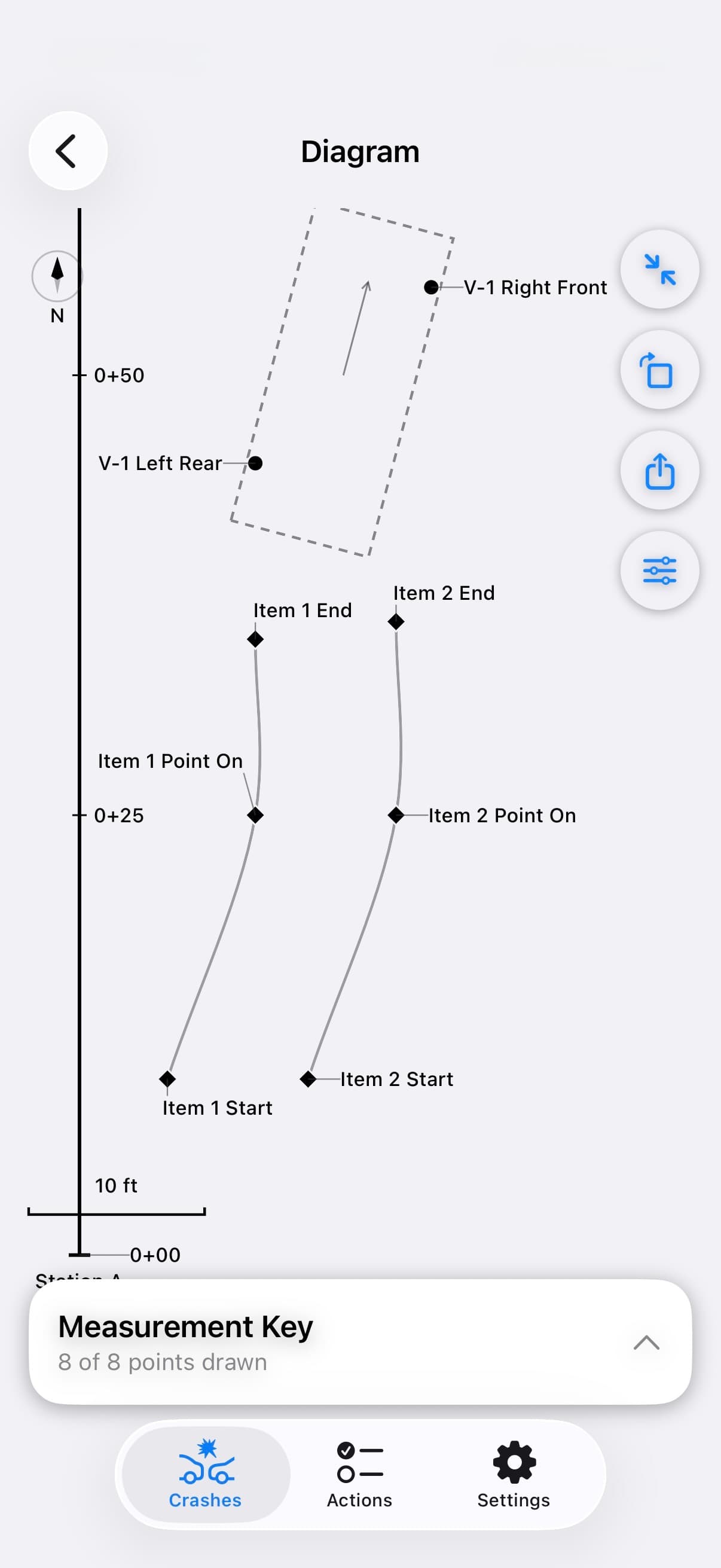
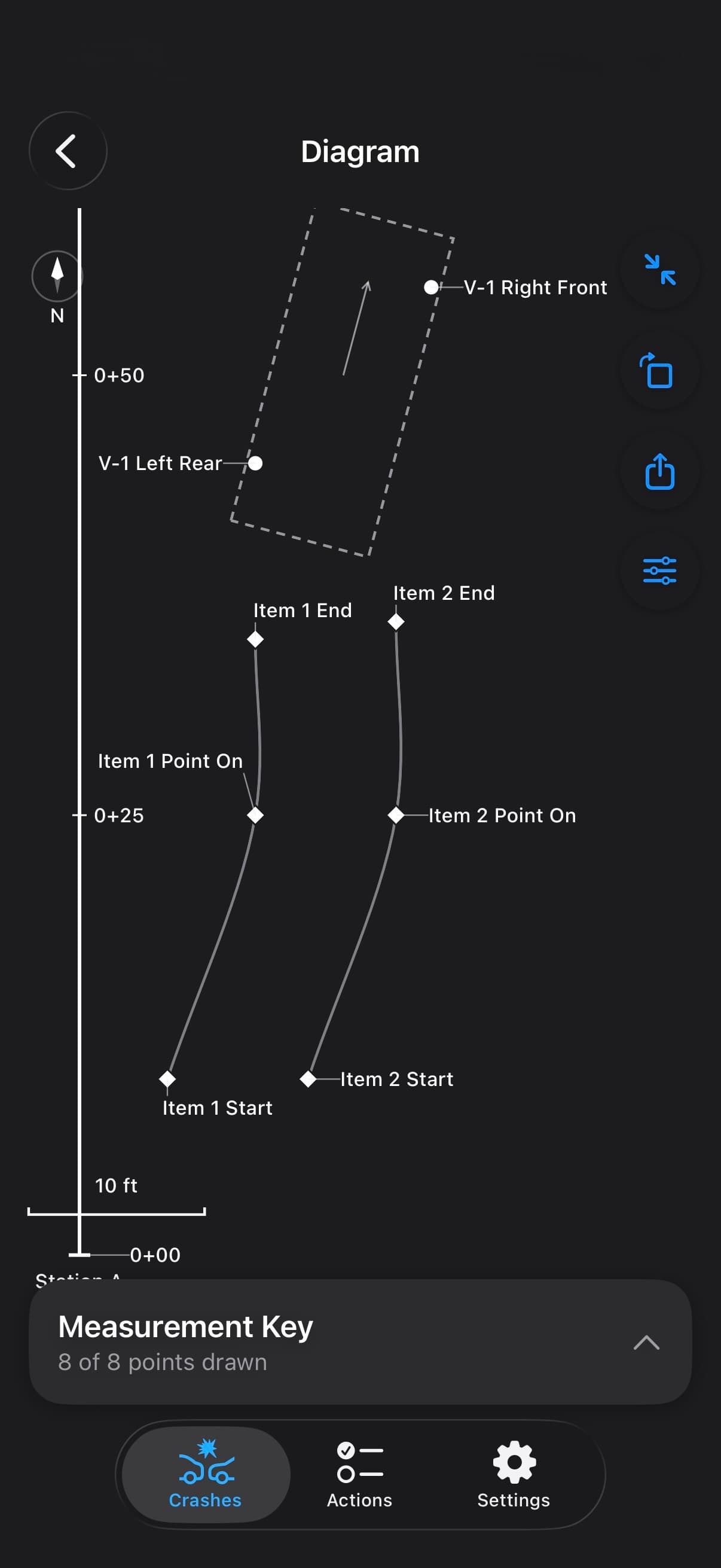
Measured people, vehicles, evidence, and roadway features come together in a to-scale Factual Diagram. Review the measurement key, choose your layers and scale, and export the drawing for use alongside your notes.
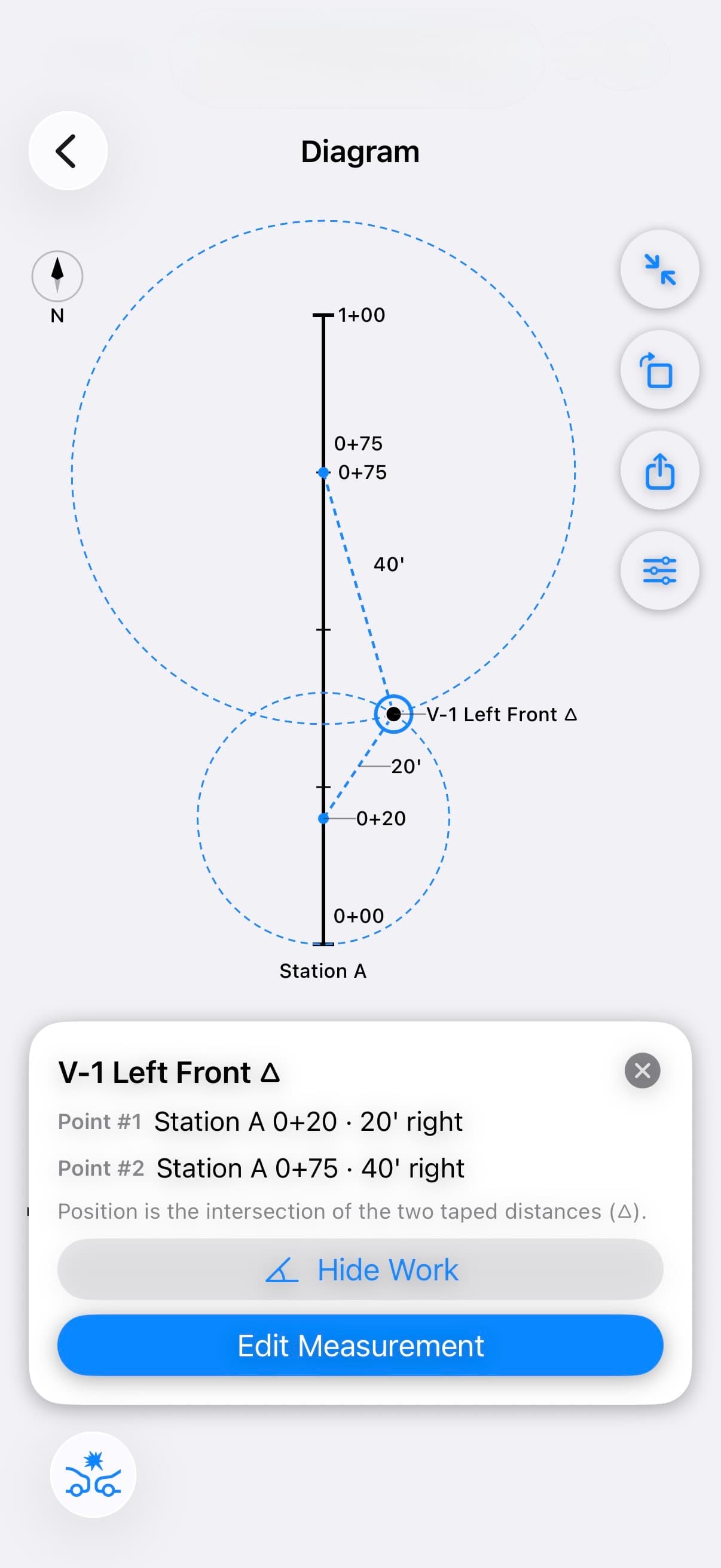
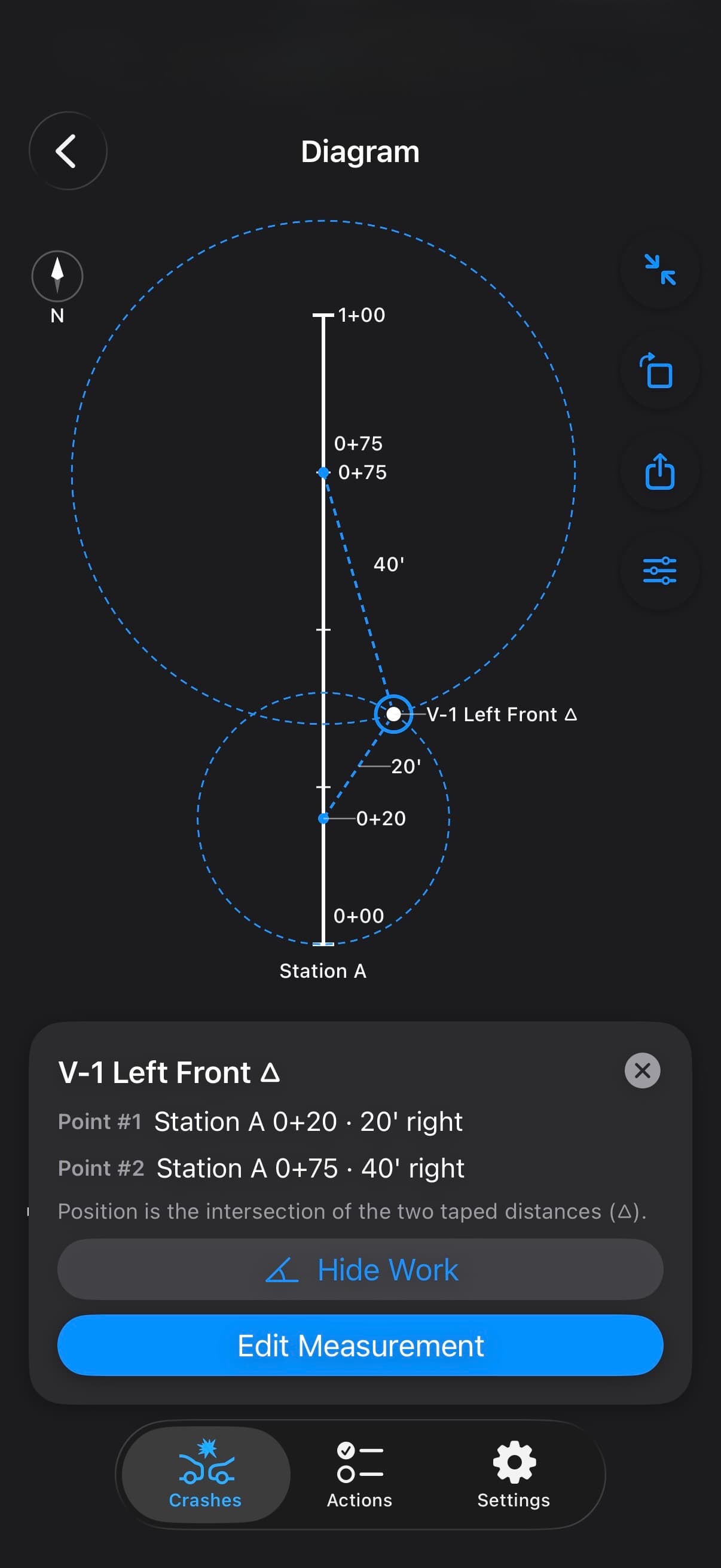
  • Scale, north compass, drawing layers, and overturned vehicle markers
  • Triangulation, slope adjustment, and multiple or intersecting station lines with TACWAC Pro
  • Searchable measurement key with PNG, SVG, and PDF export drawn to your chosen scale
  • DXF export for Visio, CAD, and crash-diagramming tools with TACWAC Pro
TACWAC Factual Diagram showing a triangulated point placed at the intersection of two taped distances from a station lineTACWAC Factual Diagram showing a triangulated point placed at the intersection of two taped distances from a station lineTACWAC Factual Diagram showing a triangulated point placed at the intersection of two taped distances from a station lineTACWAC Factual Diagram showing a triangulated point placed at the intersection of two taped distances from a station line
TACWAC Factual Diagram showing measured vehicles and physical evidence along a station lineTACWAC Factual Diagram showing measured vehicles and physical evidence along a station lineTACWAC Factual Diagram showing measured vehicles and physical evidence along a station lineTACWAC Factual Diagram showing measured vehicles and physical evidence along a station line
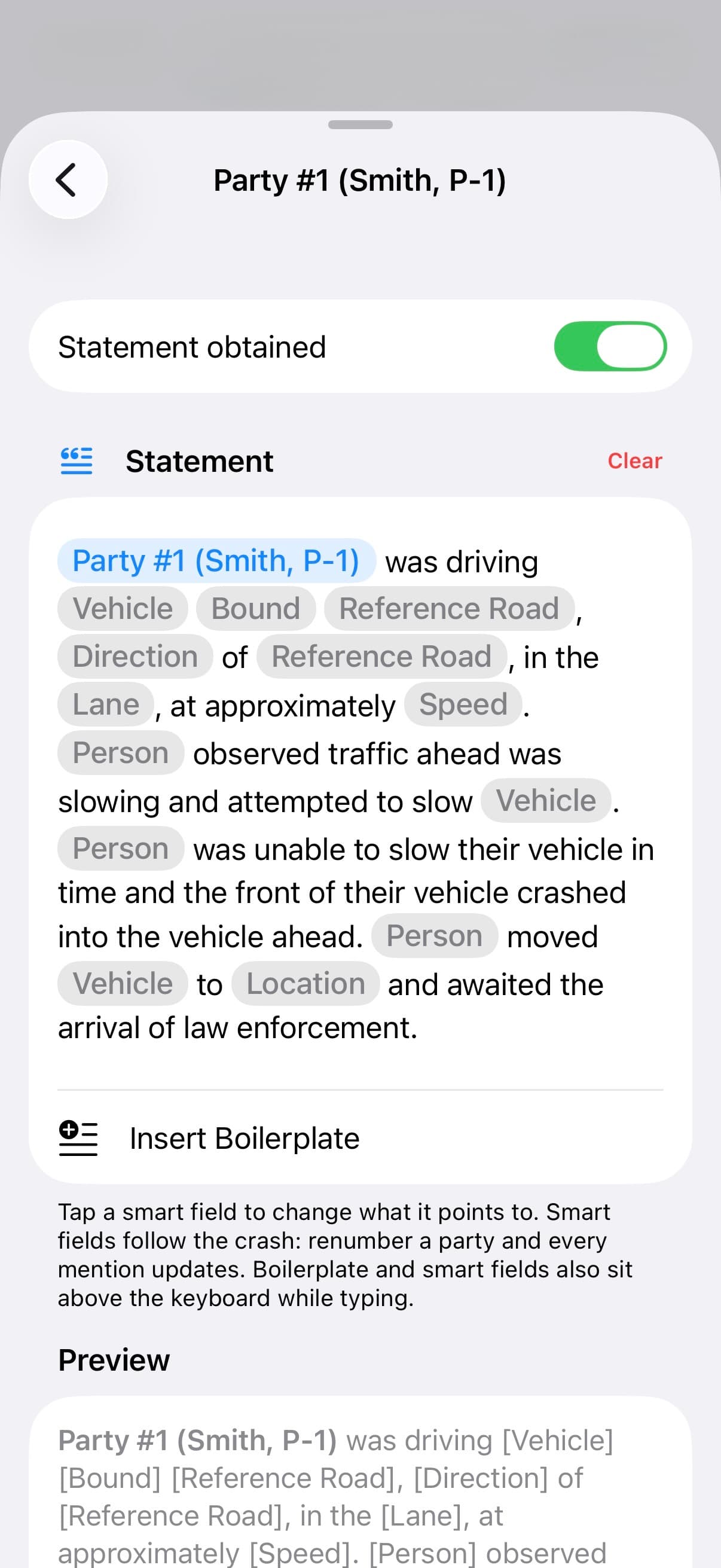
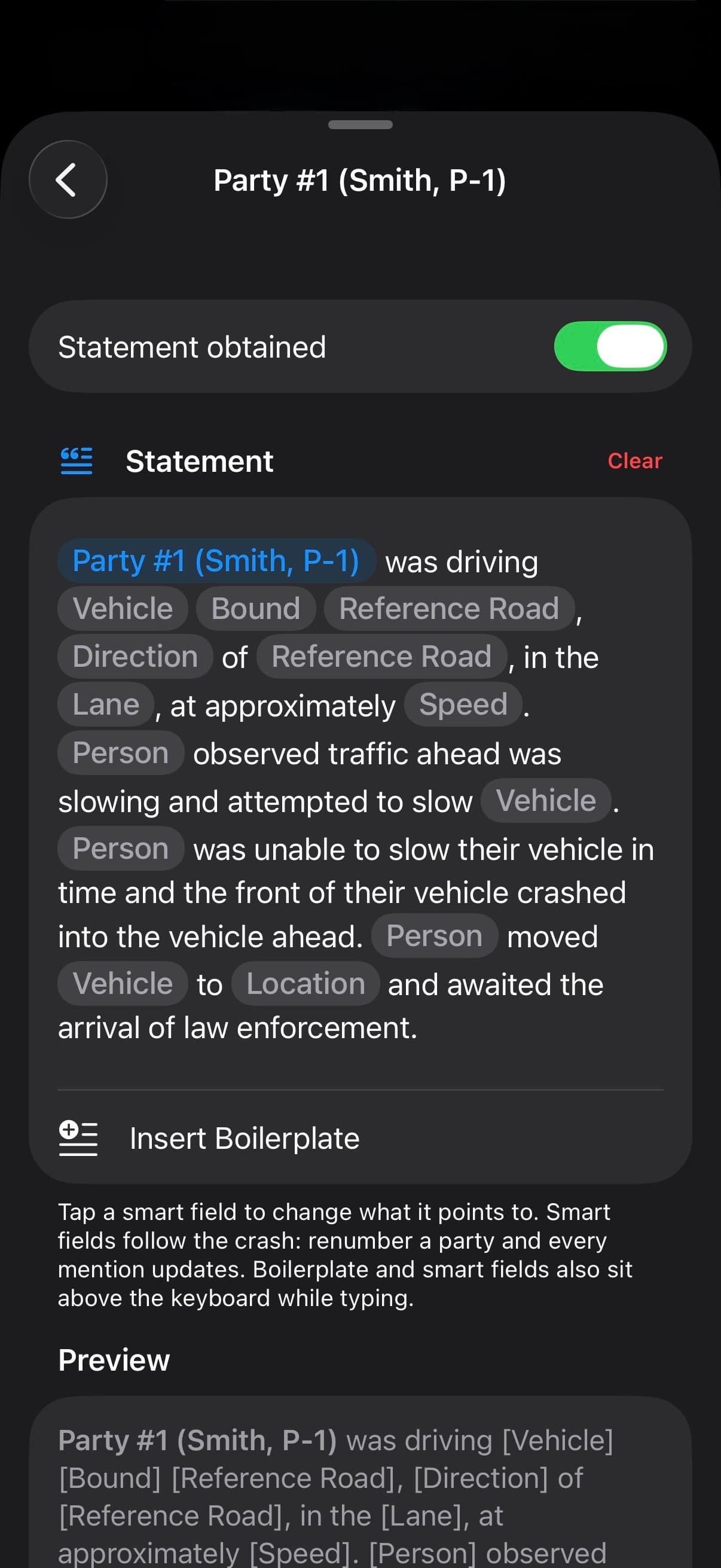
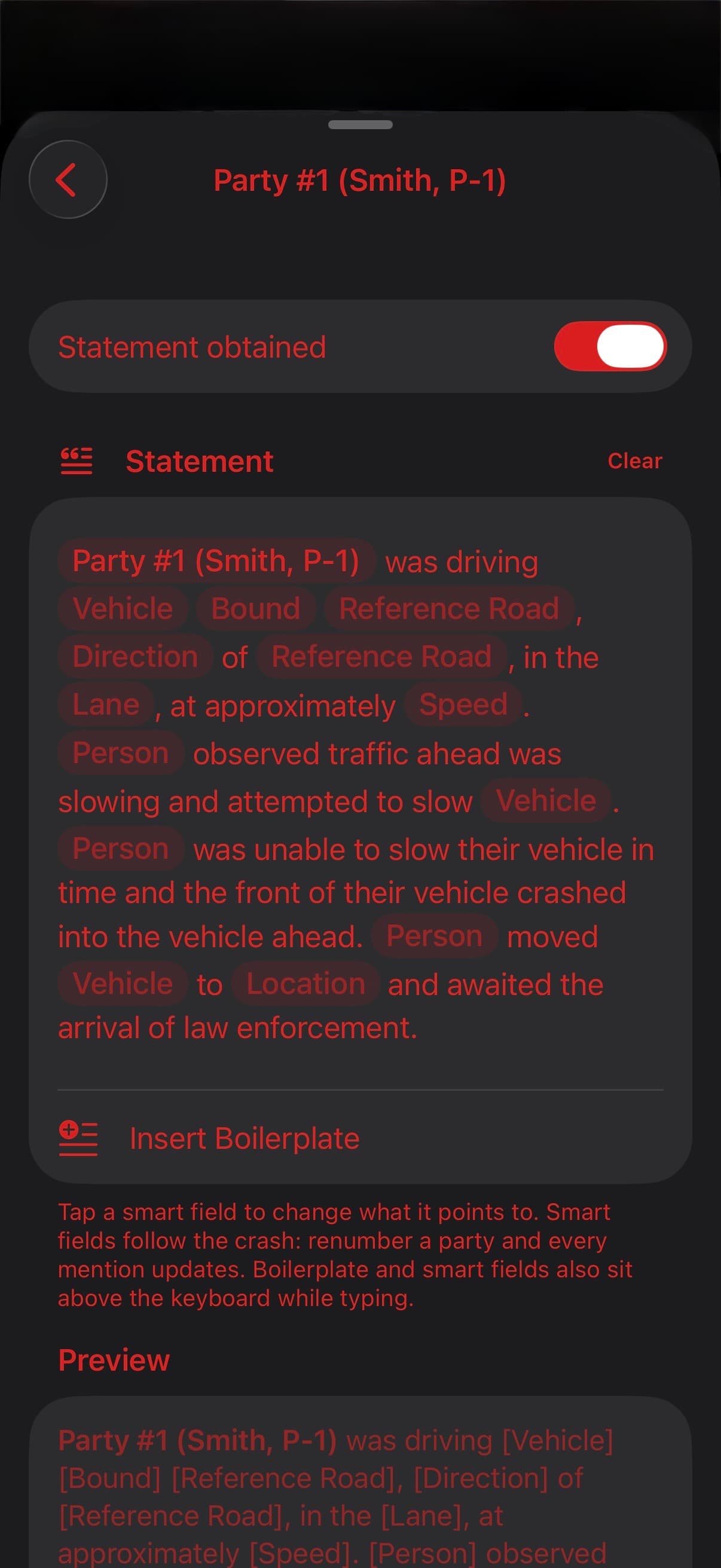
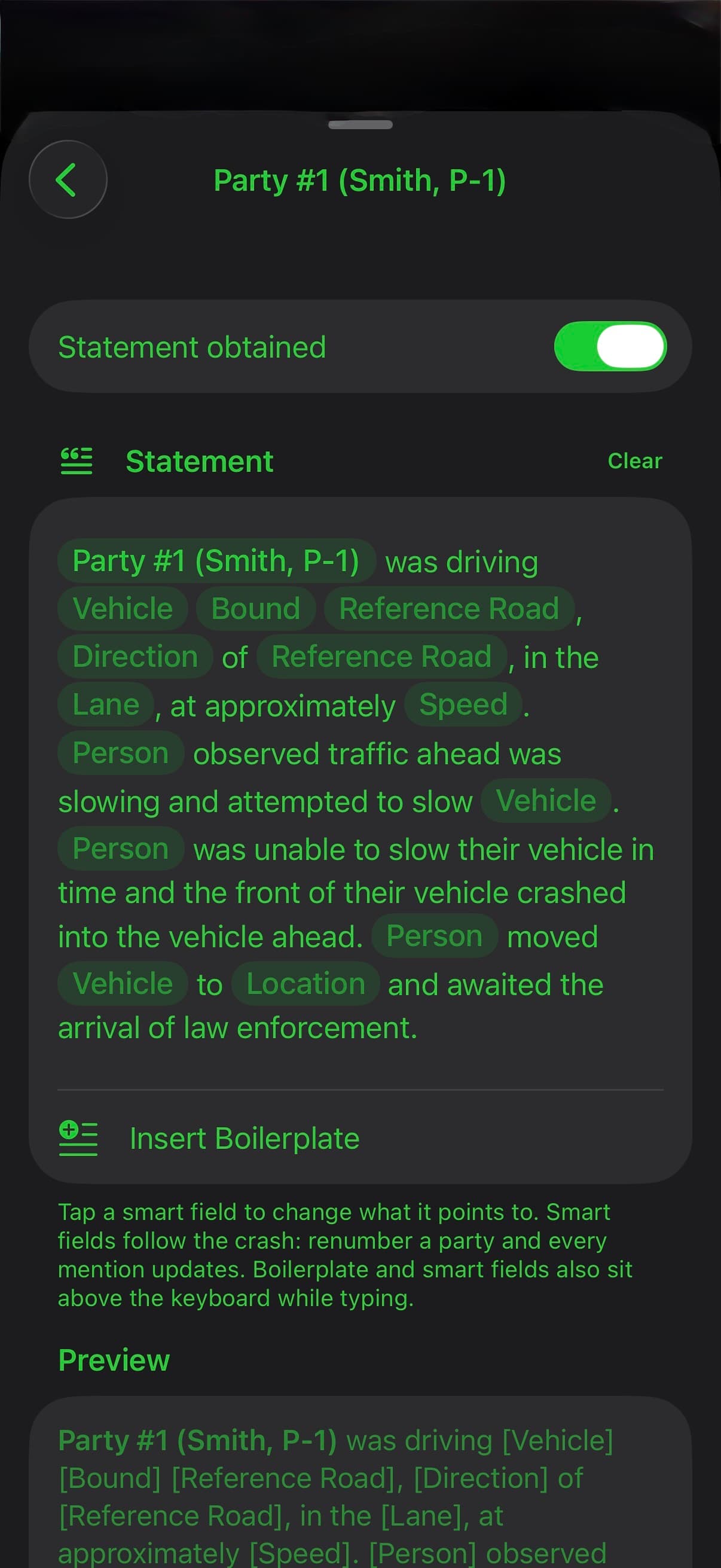
TACWAC statement editor showing narrative boilerplate and smart fields linked to crash detailsTACWAC statement editor showing narrative boilerplate and smart fields linked to crash detailsTACWAC statement editor showing narrative boilerplate and smart fields linked to crash detailsTACWAC statement editor showing narrative boilerplate and smart fields linked to crash details

NARRATIVE + EXPORT

Start with a template.
Keep control of every word.

Write statements, investigative entries, and Summary/Cause with smart fields linked to crash details. Use built-in statement boilerplate or create your own with Pro. Review the assembled narrative, edit text and tables, and keep control of what you export.

  • Linked smart fields and explicit bold formatting in your writing
  • Edit assembled text or tables, with Resume Auto to return to generated content
  • Select and reorder export sections; add custom headings and default order with Pro
  • Preview Word pages, embed scene photos, or export plain text with separate photos and diagram files

QUICK ACTIONS + SEARCH

Not your scene?
Capture anyway.

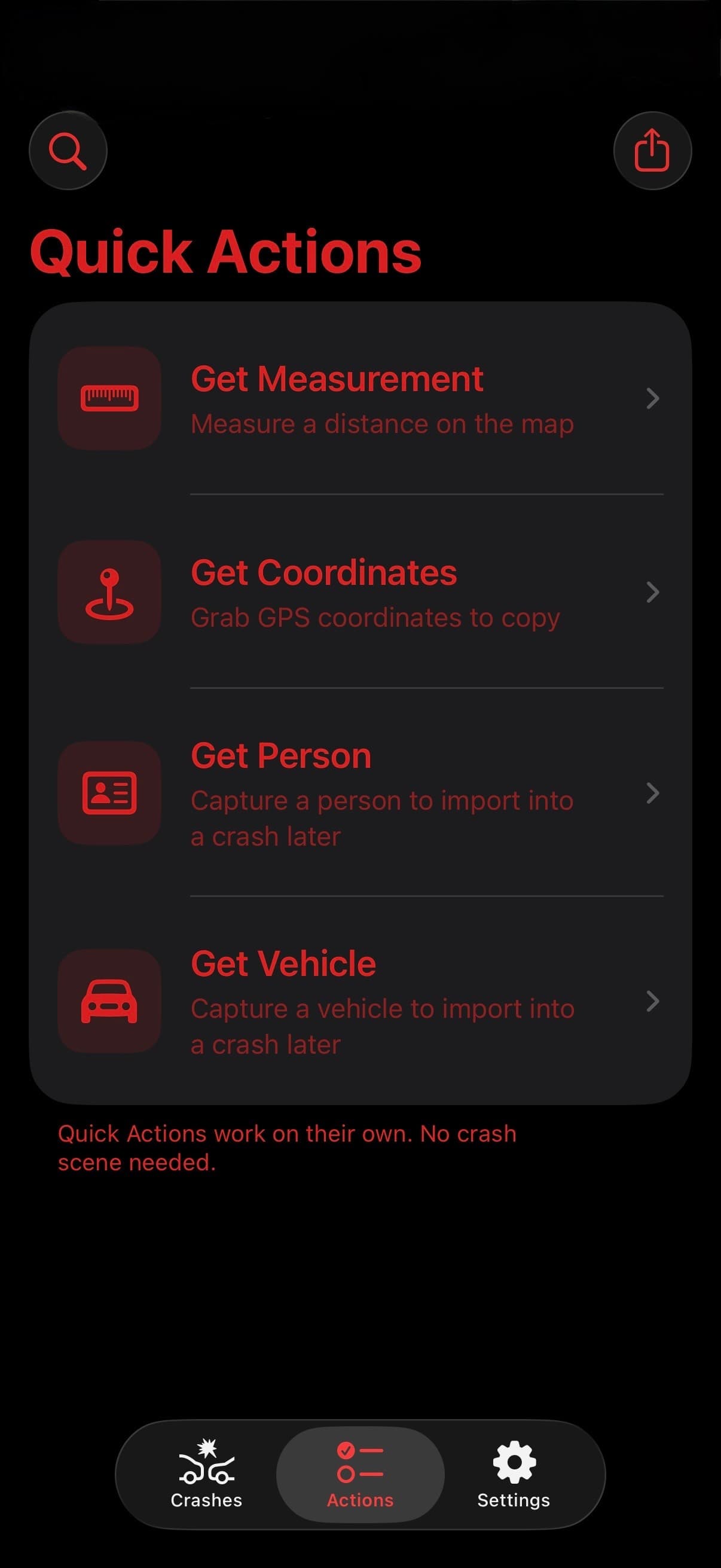
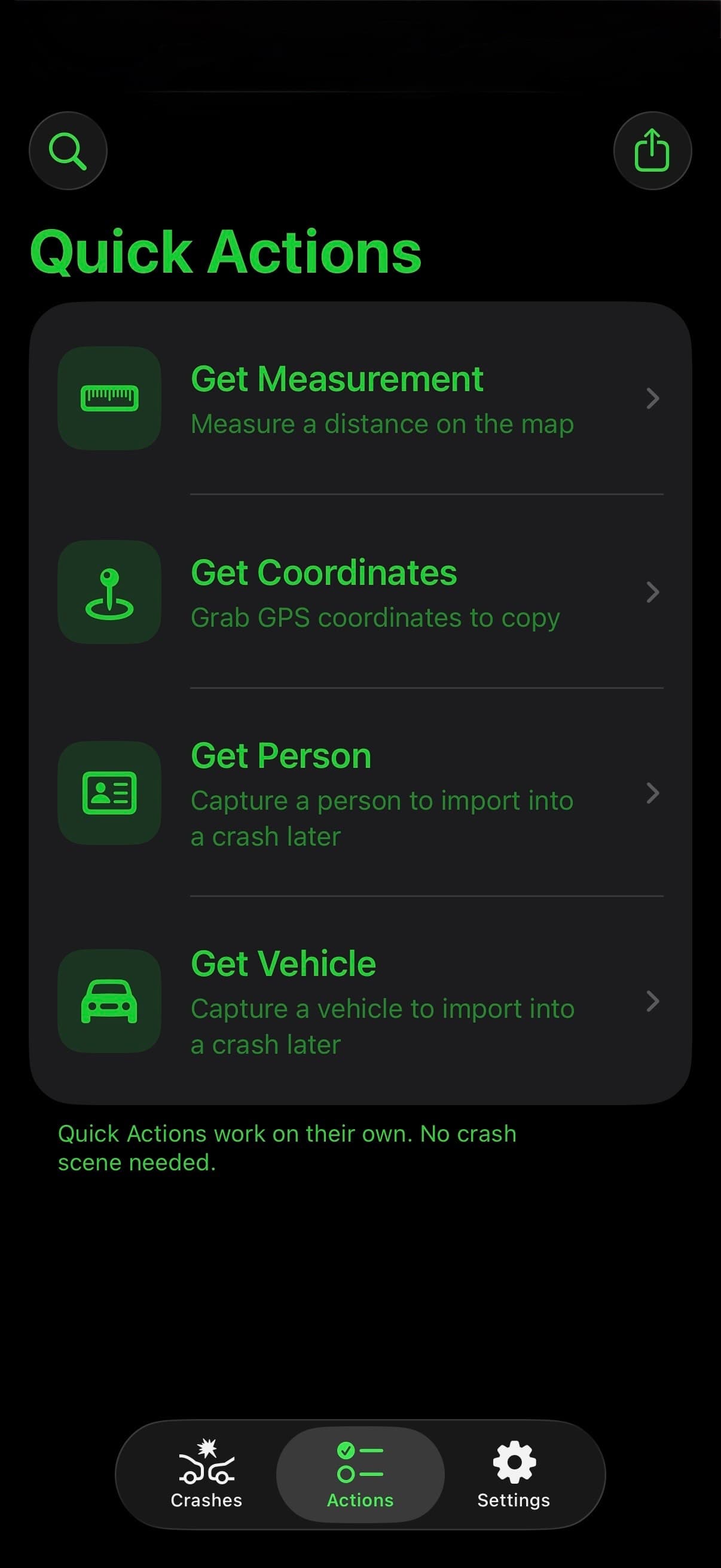
Assisting on another investigator's crash? Be a good beat partner. Quick Actions work without an open crash. Grab a person, a vehicle, a measurement, or coordinates the moment you have them—then hand your work to the investigator with Share Package.

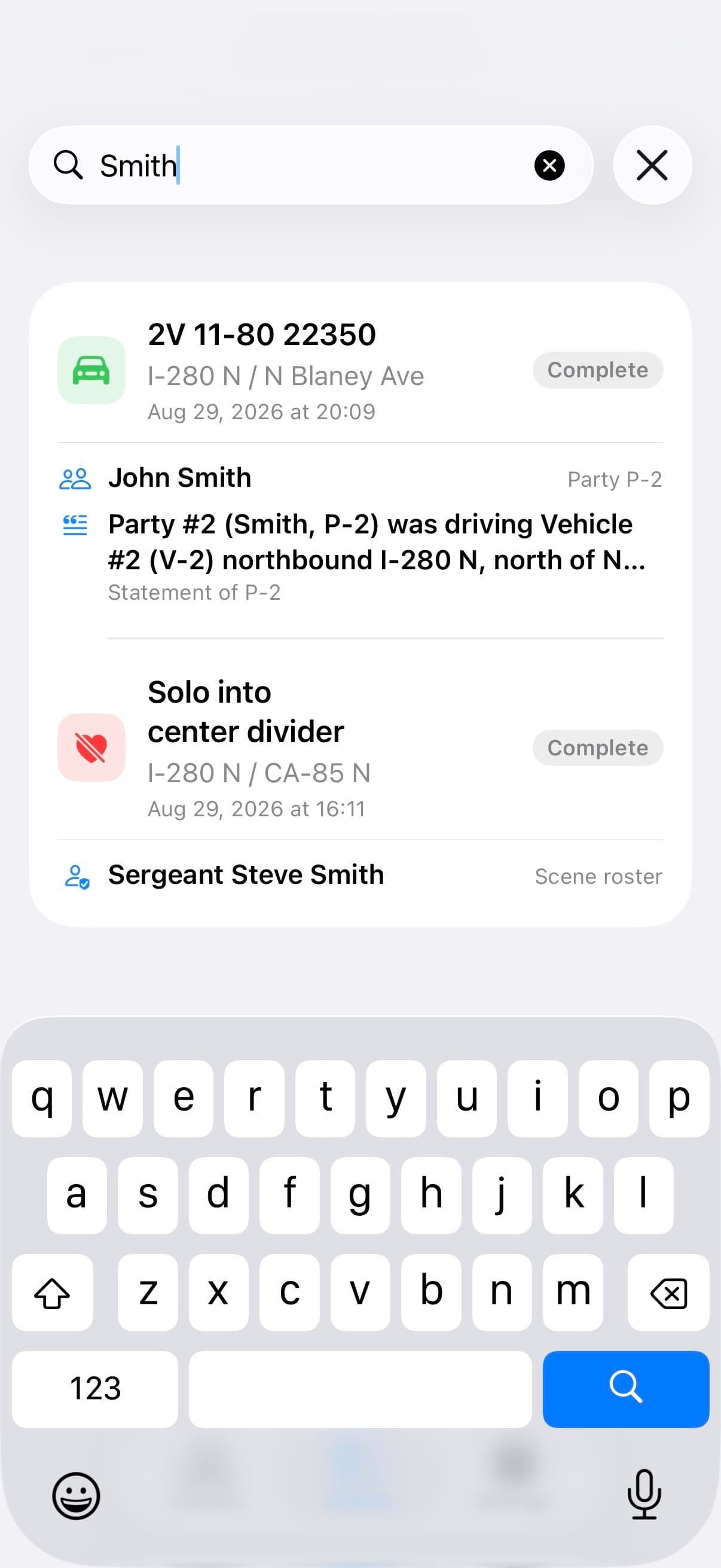
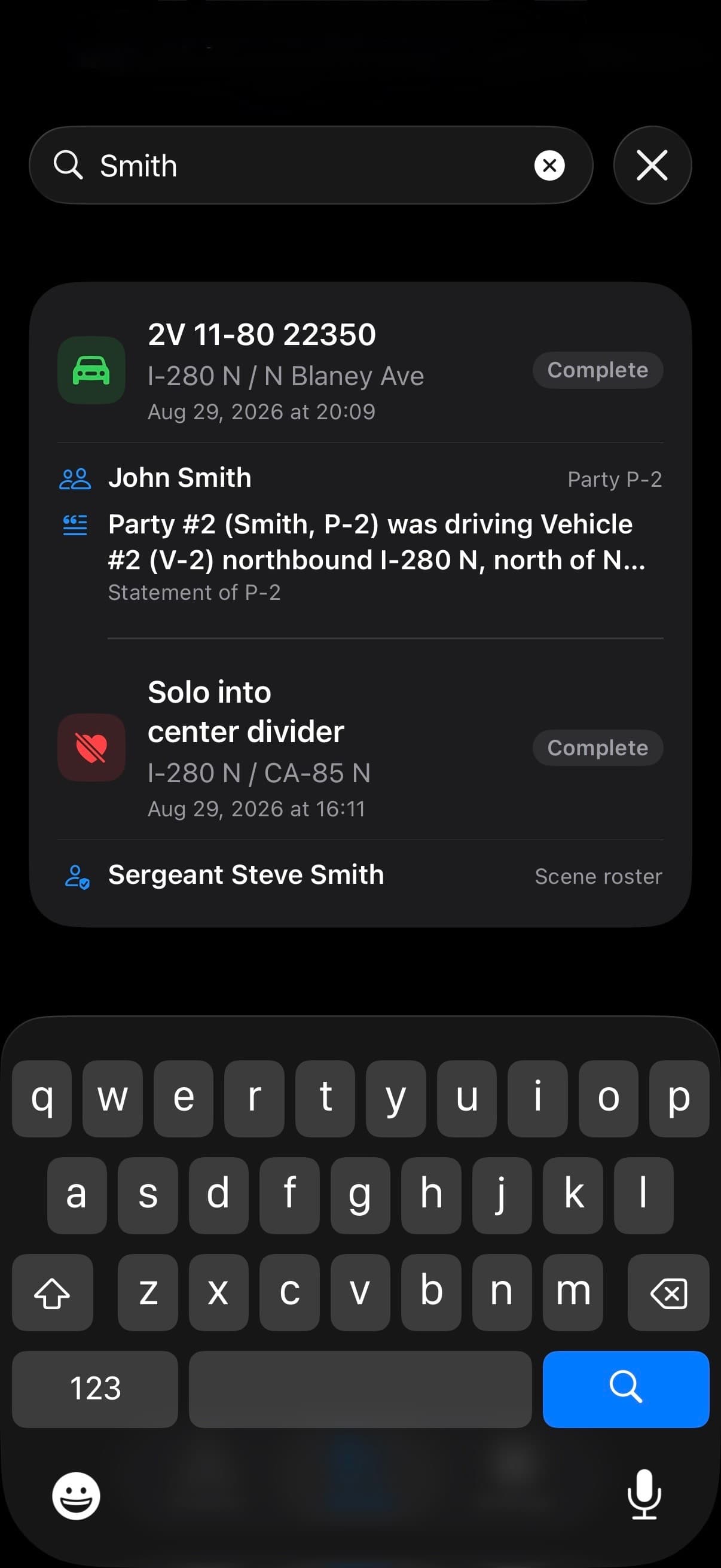
Need a detail from an earlier crash? Search Crashes finds names, vehicle details, statements, property damage, investigative entries, Summary/Cause, and recommendations across saved crashes. Filter by category, then open the matching crash.
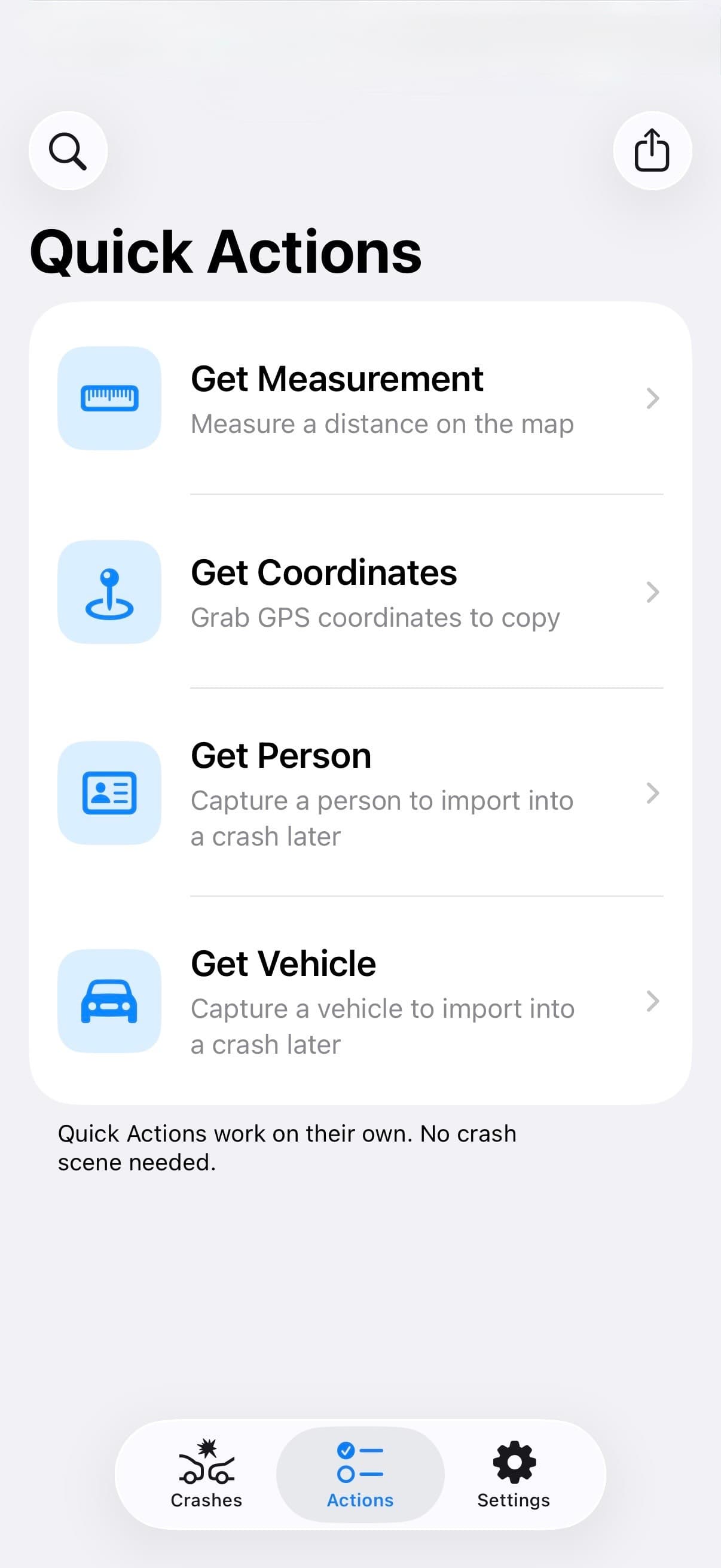
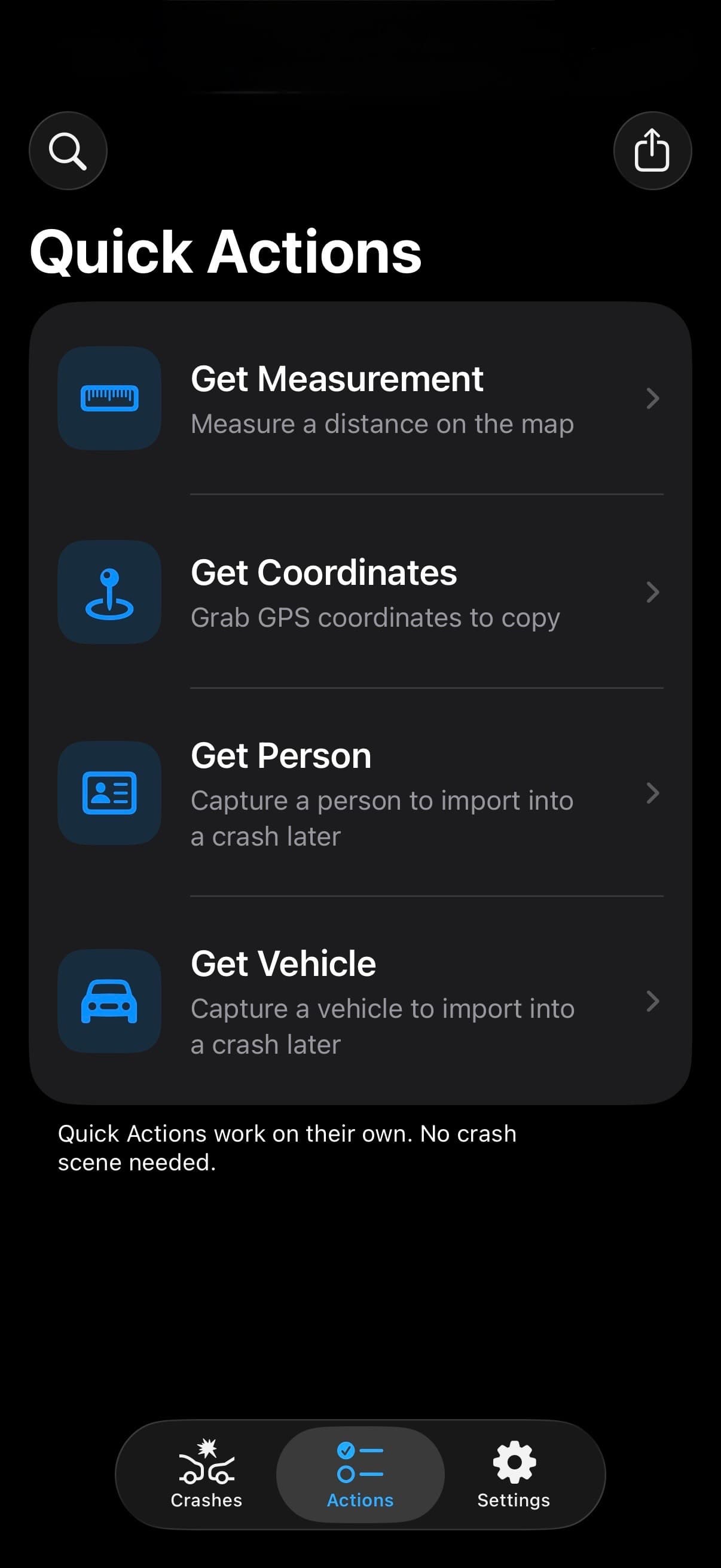
  • Get Person, Get Vehicle, Get Measurement, and Get Coordinates
  • Share selected people, vehicles, measurements, and coordinates with another TACWAC user
  • From a crash, also share property damage, investigative entries, Summary/Cause, and recommendations
  • Review incoming records and choose a crash or Quick Actions where supported
TACWAC Quick Actions screen with Search Crashes and Share Package above Get Measurement, Get Coordinates, Get Person, and Get VehicleTACWAC Quick Actions screen with Search Crashes and Share Package above Get Measurement, Get Coordinates, Get Person, and Get VehicleTACWAC Quick Actions screen with Search Crashes and Share Package above Get Measurement, Get Coordinates, Get Person, and Get VehicleTACWAC Quick Actions screen with Search Crashes and Share Package above Get Measurement, Get Coordinates, Get Person, and Get Vehicle
TACWAC Search Crashes screen finding a name in people, statements, and scene roster records across previous crashesTACWAC Search Crashes screen finding a name in people, statements, and scene roster records across previous crashesTACWAC Search Crashes screen finding a name in people, statements, and scene roster records across previous crashesTACWAC Search Crashes screen finding a name in people, statements, and scene roster records across previous crashes

NOTE INTEGRITY

Know what's missing.
Before it's a problem.

As you work, TACWAC flags missing details, invalid values, and broken links in your records. Review those warnings alongside your notes before preparing the report through your agency's own systems.

01IDENTIFY

Warnings name the detail

Warnings identify the missing or inconsistent detail on the record it belongs to, including the newer investigative sections.

02REVIEW

Review warnings together

The Warnings Hub gathers detected issues by section, from person and vehicle details to narrative links and recommendations.

03RESOLVE

Tap a warning, fix it

A warning takes you to the relevant editor, page, or section. Resolve the flagged detail, then review your notes for accuracy and completeness.

TACWAC & TACWAC PRO

Start with the essentials.
Go further with Pro.

Every download includes the complete note-taking workflow. TACWAC Pro removes the limits and opens the advanced tools.

INCLUDEDEvery download

TACWAC

The complete core note-taking workflow, from the first roadside entry to the finished export.

  • All scene sections, warnings, and Word or plain-text export within the included limits
  • People, vehicles, property damage, investigative entries, recommendations, photos, and measurements
  • Driver-license barcode scanning and the Factual Diagram with PNG, SVG, and PDF export
  • Officer Assistance packages and search across saved crashes
  • Built-in section templates, library choices, and Smart Statement tools
  • System, Light, and Dark appearances with standard app icons
  • Offline note-taking, App Lock, and Manage Data
TACWAC PROMonthly or yearly

Everything in TACWAC.
Without the limits.

For investigators who need more capacity, more control, and the app's advanced field and export tools.

  • All count limits removed, including narrative entries, property damage, recommendations, and Quick Actions saves
  • Triangulation, multiple and intersecting station lines, and slope adjustment
  • DXF diagram export for Visio, CAD, and crash-diagramming tools
  • Reusable agencies, personnel, medical facilities, tow companies, filing locations, and charge databases
  • Custom libraries, favorites, statement boilerplate, smart fields, and options
  • Custom Default Sections, reusable Section Templates, narrative headings, and default narrative order
  • Stats across your documented crashes
  • Graveyard Red and Green, premium app icons, and private iCloud sync

FREE LIMITS AT A GLANCE

Clear limits.
No hidden essentials.

Saved crashes

3 crashes. All scene sections are available within the limits below.

Quick Actions

Save 2 each of people, vehicles, coordinates, and measurements, separate from your crash records.

Scene records

Per crash: 1 area of impact, 2 vehicles, 1 property damage record, 4 evidence items, 4 roadway features, and 8 photos.

People

Per crash: 2 parties, 2 passengers, 1 witness, and 1 person in the Other category.

Scene roster

Per crash: 2 agencies and 4 roster personnel in total.

Measurements

2 measurements per item. Per crash: 1 station line, 2 measurement tools, and 1 measurement person.

Narrative entries

2 entries per crash in each of Scene Description, Party Profile, Physical Evidence, Hazardous Materials, Hit-and-Run, Intoxication Narrative, and Other Factual Information.

Recommendations

2 people per crash, with 2 combined charge and enhancement entries per person. Typed filing locations and charges are included.

Limits only block new additions. Existing work stays available and editable.

YOUR WORK STAYS YOURS

Your work.
Exactly as intended.

TACWAC does not use artificial intelligence or language models to write your work. It combines your recorded details and chosen language using templates and app logic. You review the result and decide what belongs in your exported notes.

Read TACWAC privacy
Local firstCrash notes live on your iPhone. Core note-taking works offline; map services and sync need a connection.
Private syncOptional Pro sync uses your private iCloud database.
App LockUse your iPhone’s existing passcode, with optional Face ID or Touch ID. TACWAC never sees or stores your passcode.
You choose what leavesChoose which crash records to export or share. Optional iCloud sync is controlled separately in Settings.

TACWAC

Take a Crash,
Write a Crash.